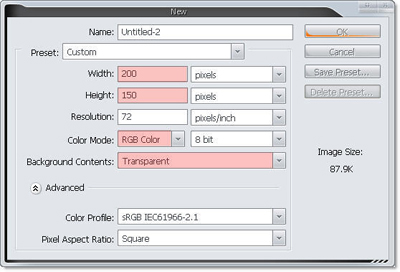
1. Create new document in Photoshop, size 200 x 150 px, transparent background
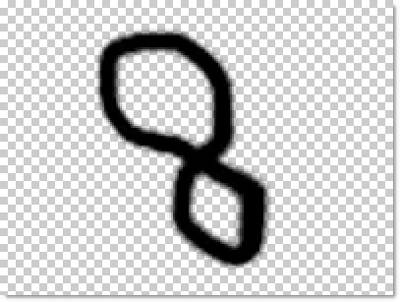
2. In first layer, use brush tool to create a random closed path
3. Draw an ant ( i think it :P )
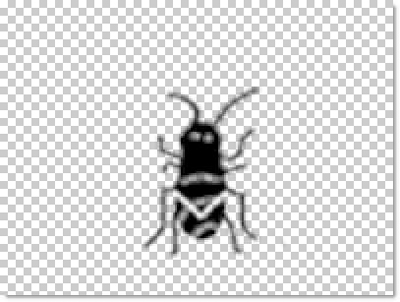
4. Hit Ctrl + T and transform the ant small and lie down the path ( you should fill light color for this path )
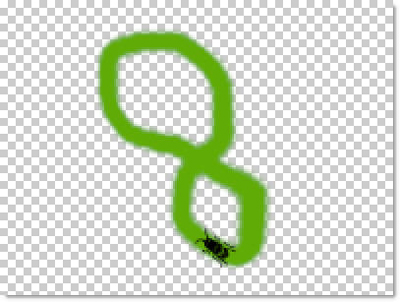
5. Create new layer, Hit Ctrl + T again, and transform....
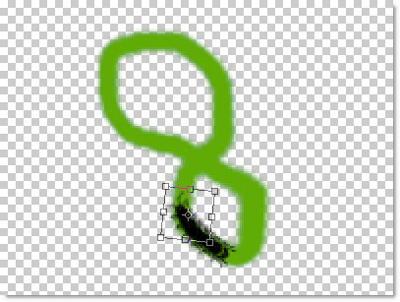
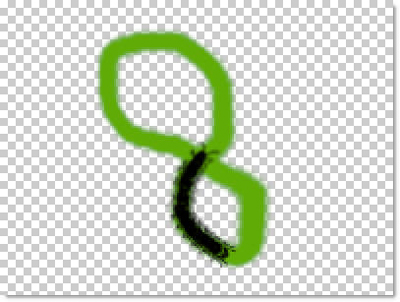
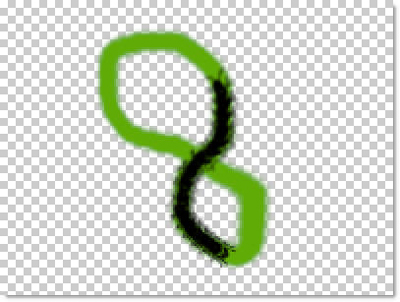
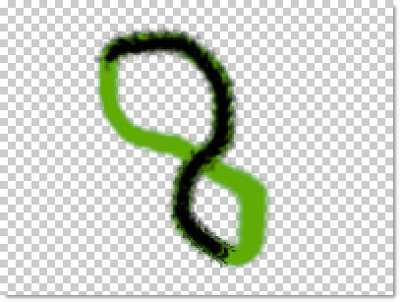
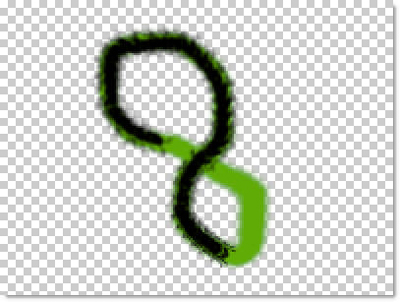
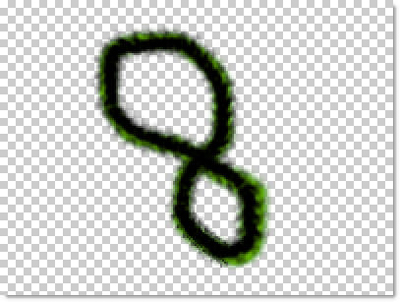
Filled the path, note : in one step, u must create new layer
6. And now, hidden all layer by clicking on Hide icon close layer.
Change all layer to ImageReady

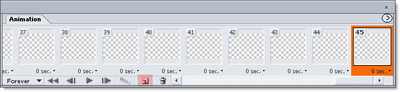
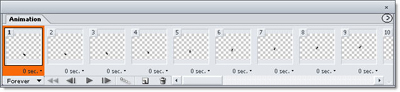
7. on Animation pallet, use New frame icon to create 45 frame like this
8. Important in frame 1, you unhide layer 1 ( have an ant )
in frame 2, layer 1 will hide again, you unhide layer 2
in frame 3, you unhide layer 3...
do the same step with 42 next frame
Animation Shot
When done, click on Play icon to preview or Save as *.gif type
Our result !!!