1. Create new document, size 400 x 600 px.
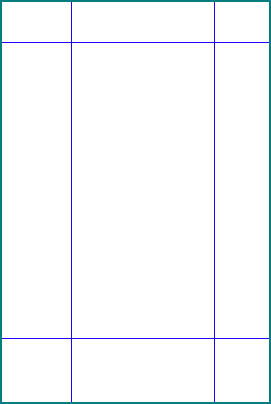
2. Create new Guide like this
3. Use pen draw this path, name that "1"
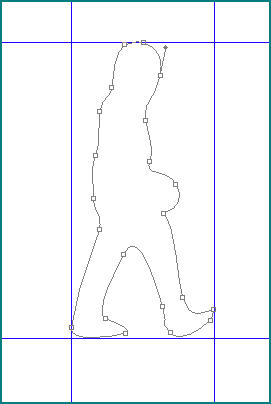
4. Draw again, name that "2"
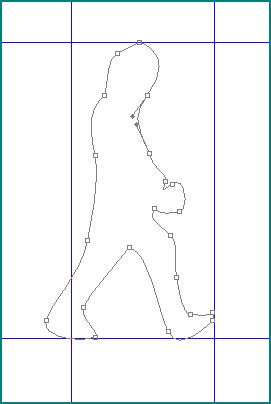
5. "3"
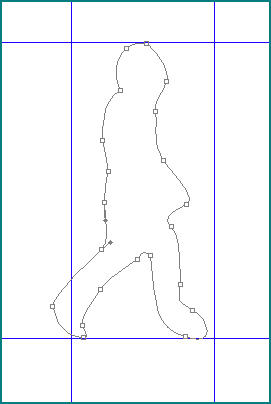
6. "4"
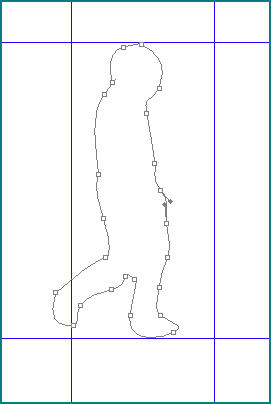
7. "5"
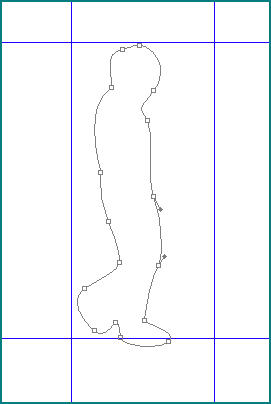
8. "6"
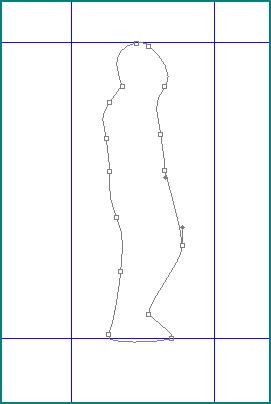
9. "7"
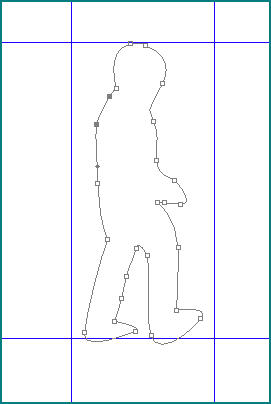
10. "8"
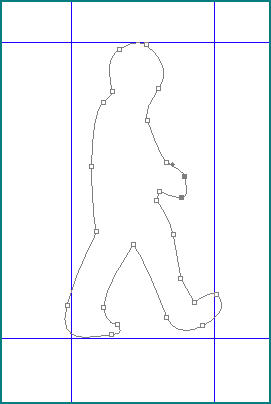
11. "9"
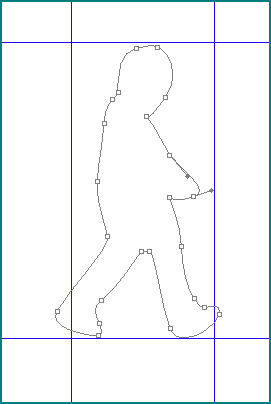
12. "10"
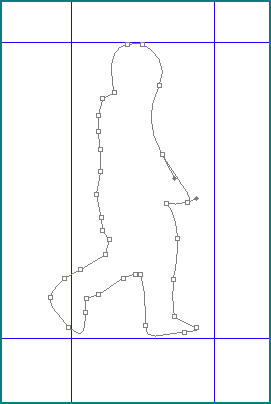
13. "11"
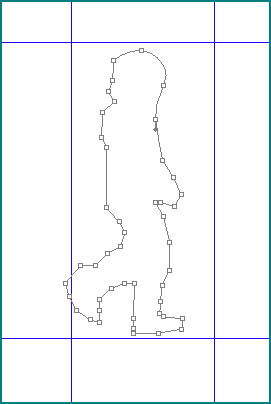
14. "12"
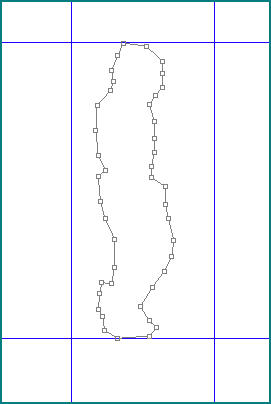
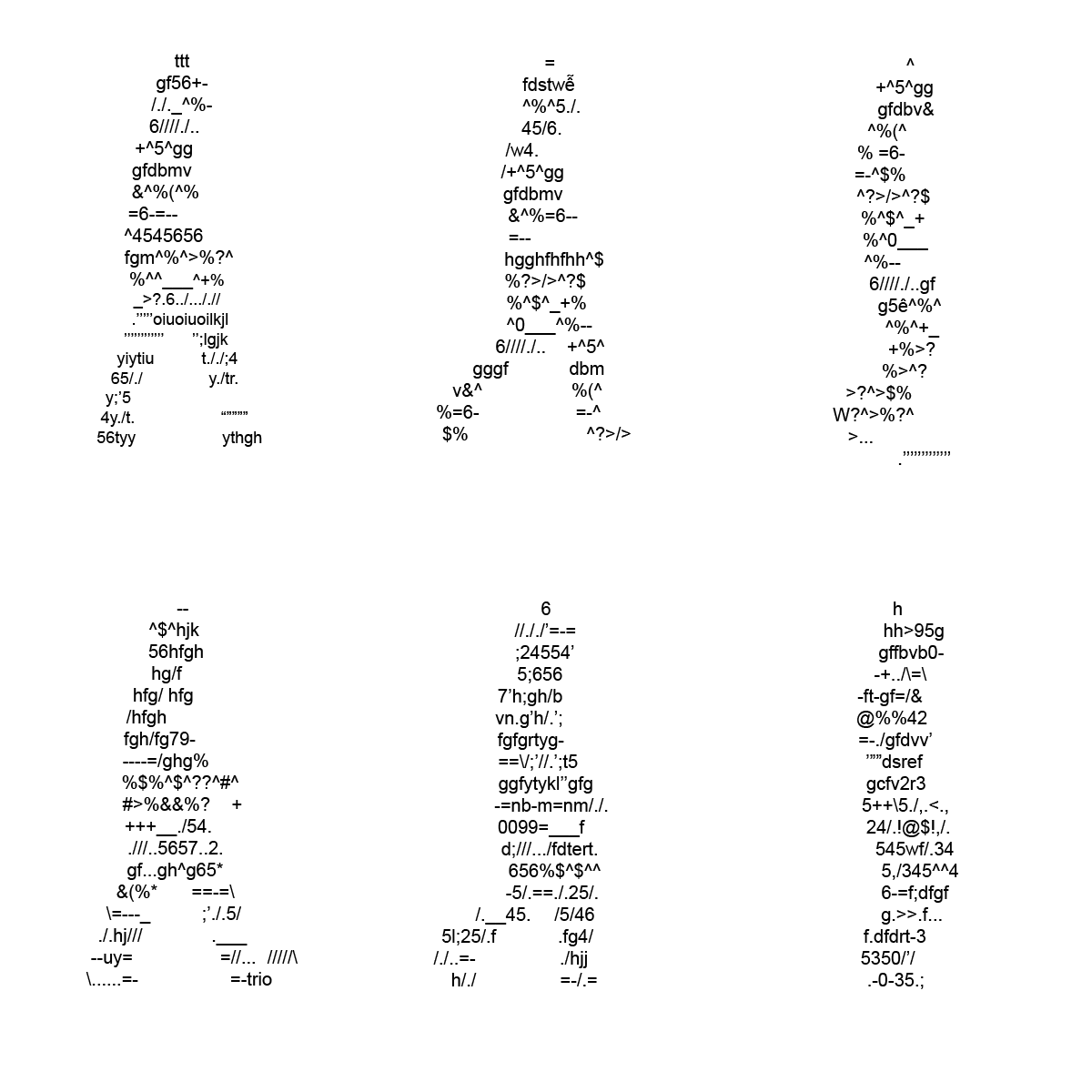
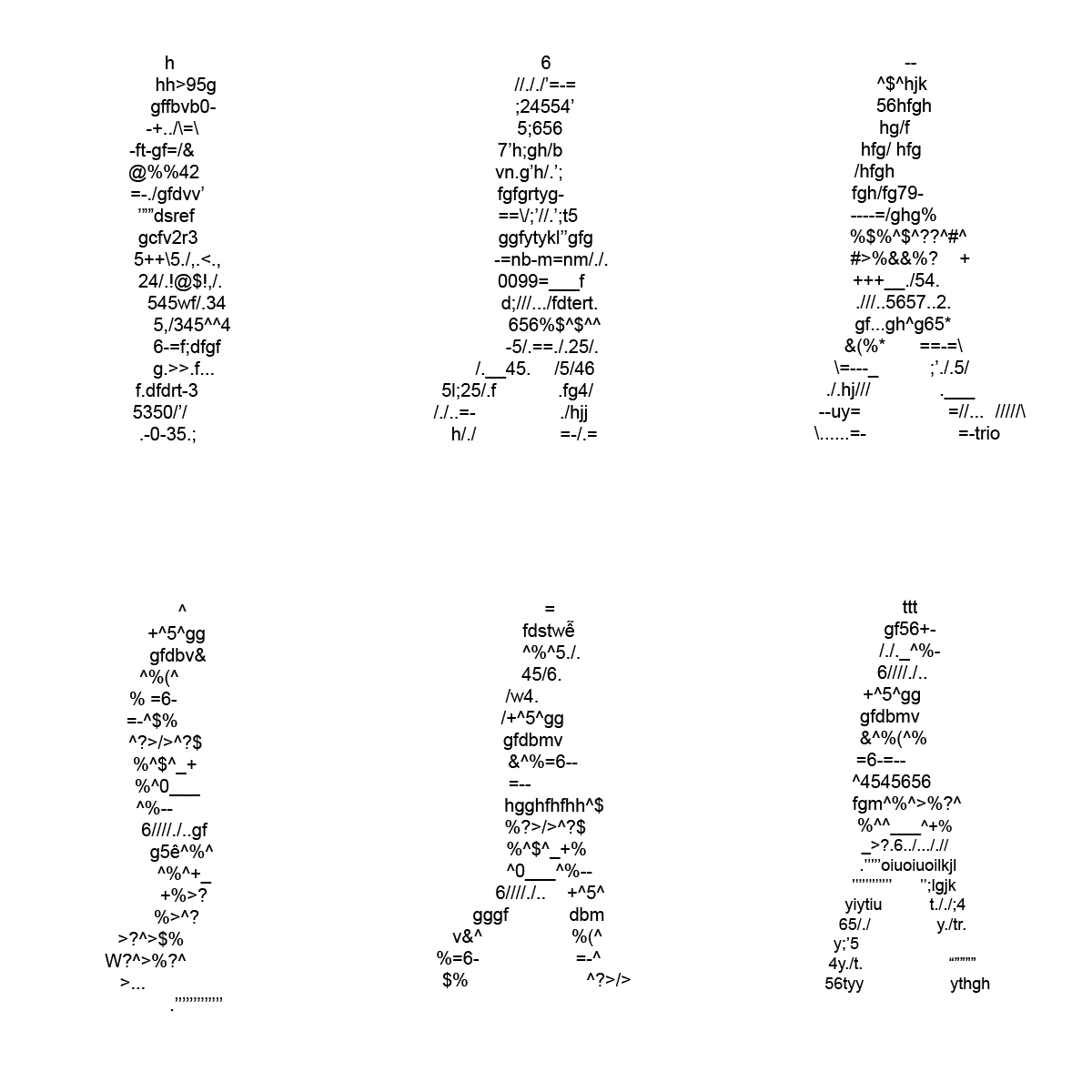
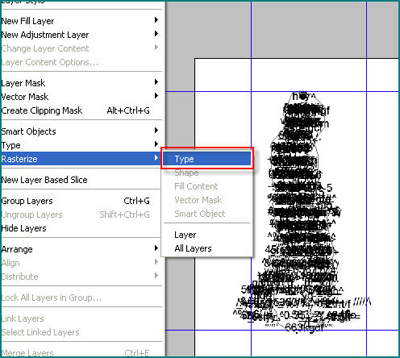
15. Use Type Tool, 20 pt click in 1 > 12 and type random text, then Rasterize all text, and you have 12 layer
Layer shot
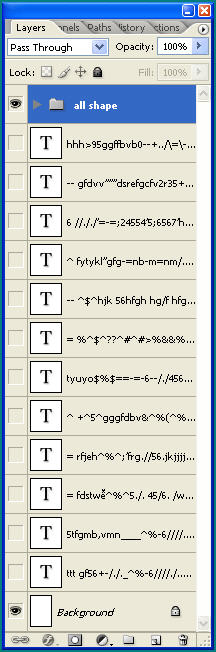
16. Bring all to Image Ready ....
17. Hide all layer, add 11 frame, that all 12 frame
In frame 1, u unhide layer 1 ,inframe 2 , u unhide frame 2, do the same step to frame 12.
.jpg)
Animation pallete shot

17. Done !!! Cool idea ++ This is digital human go forward and go backward