

1. As always... open a new project with 400*400 pixels.
2. Add a new layer and fill it with black.
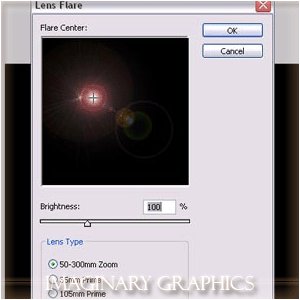
3. Apply ( Filter >> Render >> Lens Flare ) with these options..
4. Change the levels ( ctrl + L ) with these options : input levels = 45 , 1.00 , 255 ......... keep the output levels as it is.
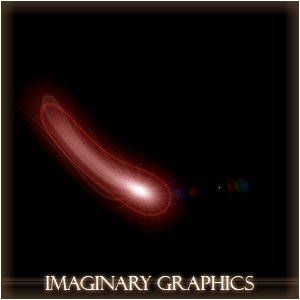
5. Apply this filter ( Filter >> Distort >> Wave ) until it approximately look like that :
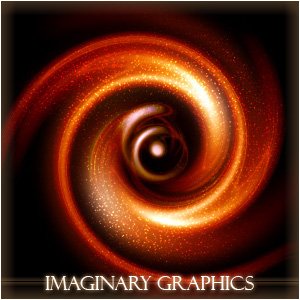
6. Apply ( Filter >> Distort >> Twirl ) with angle = 487 degrees .
7. Hit ( ctrl + b ) to change the color as you like .... I've chosen these options :
Midtones = +41 , +17 , -33
Shadows = +30 , +29 , -30
Highlights = +26 , -18 , -39
The tutorial is finished now ... here are some examples about it ...

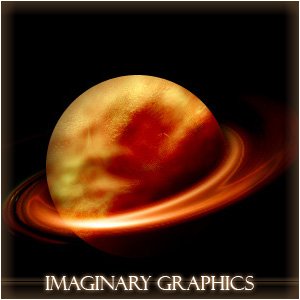
I guess you might design almost a whole space with this tutorial.
