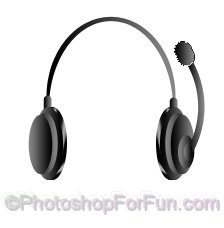
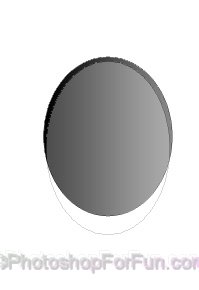
Create an ellipse using elliptical shape tool.
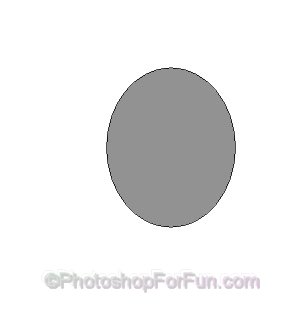
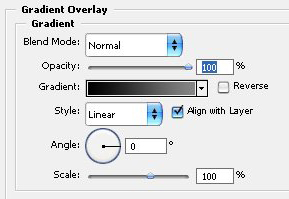
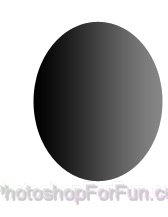
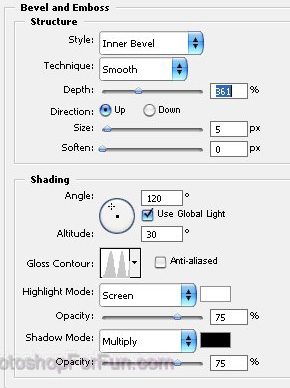
Double click the layer to open layer style window. Apply settings as shown.
Enable "subtract from shape area" at the top bar. Create an ellipse using elliptical shape tool.
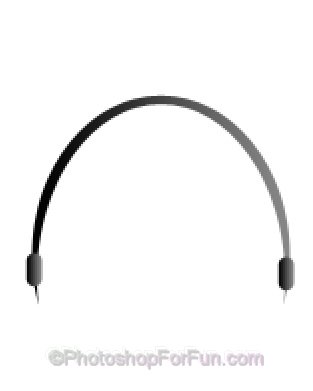
Create two rounded rectangle as shown. Apply same layer style.
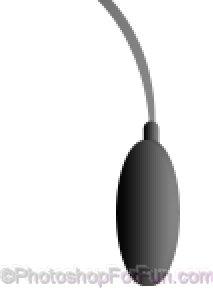
Create a ellipse using elliptical shape tool.
Double click the layer to open layer style window. Apply settings as shown.
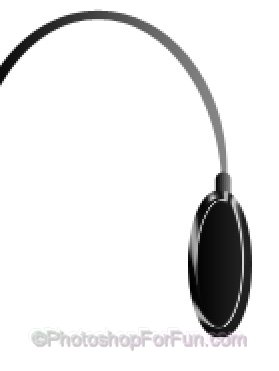
Create another ellipse using elliptical shape tool.
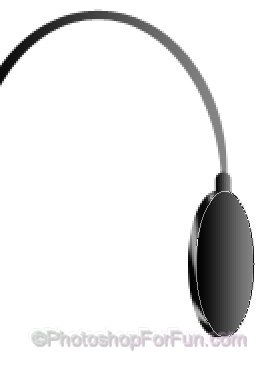
Similarly create more ellipses with different gradient angle.
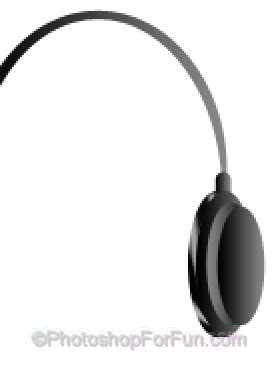
Select all the ellipses layer. Duplicate the layers. Press Ctrl+T. Right click and select Flip Horizontal and place on the other side.
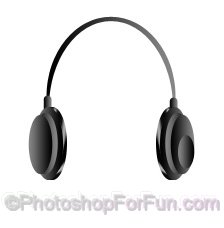
Create a shape as shown using pen tool.
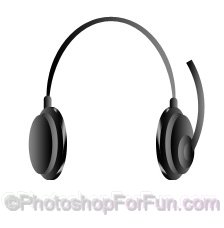
Again create a rounded rectangle for the microphone.