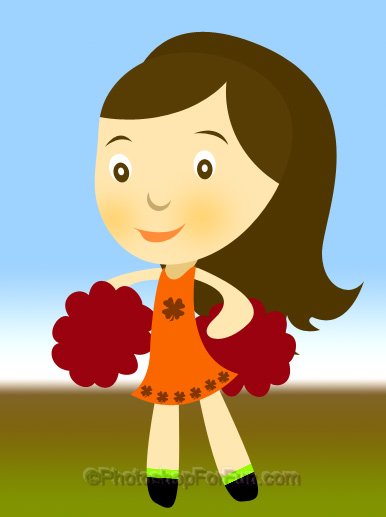
Start by applying a nice gradient to the background. Create a circle using elliptical shape tool.
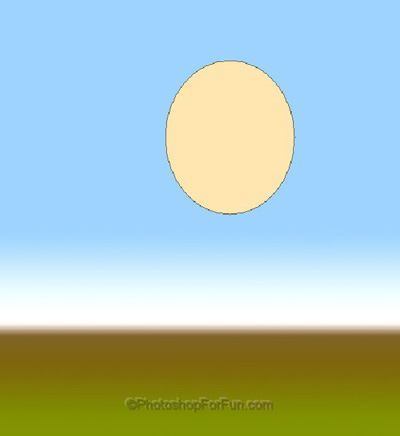
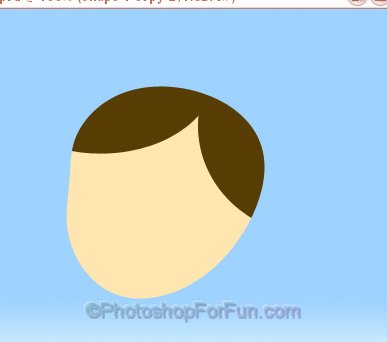
Press Ctrl+T. Right Click and select Warp. Adjust the nodes to get the shape as shown.
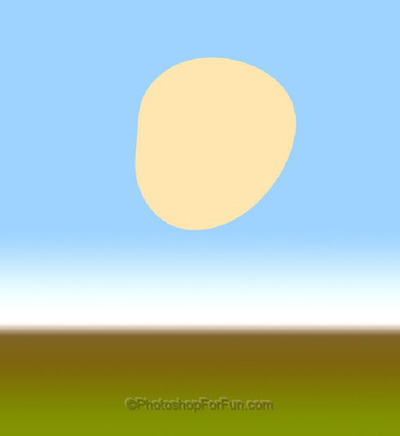
Create a ellipse. Press Ctrl+Alt+G to create a clipping mask.
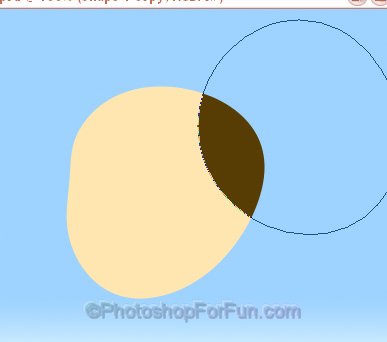
Similarly create another one. This'll create hair for the girl.
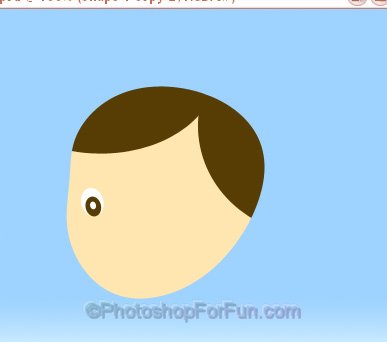
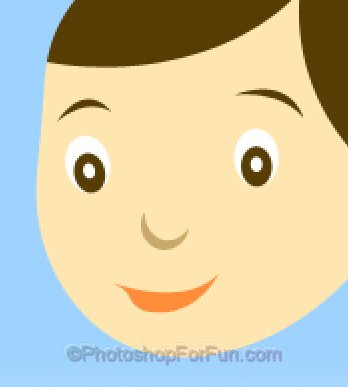
Create some small ellipses to create eyes of the girl.
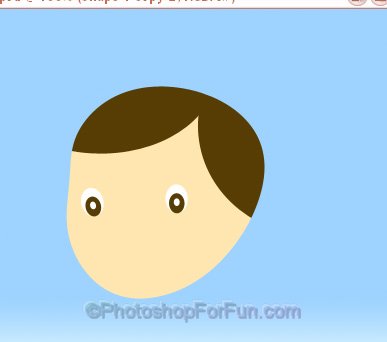
Duplicate the eye layers and paste on the other side.
Create an ellipse using elliptical shape tool. Enable "subtract from shape area" at the top bar. Create an other ellipse.
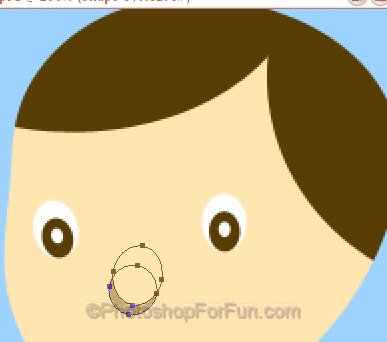
Using pen tool create eyebrows and lips.
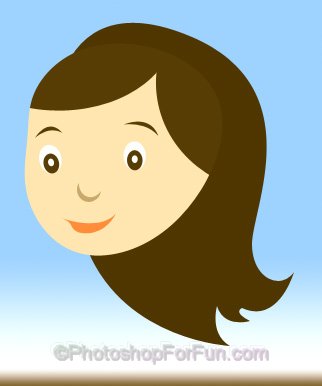
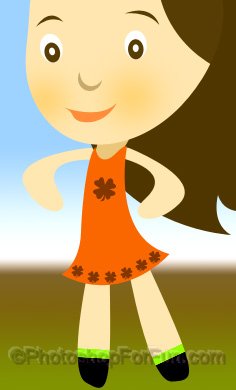
Draw hair and dress using pen tool.
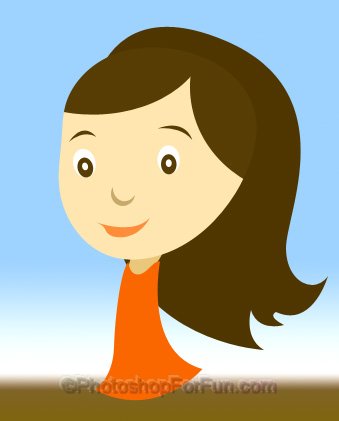
Create hands using pen tool.
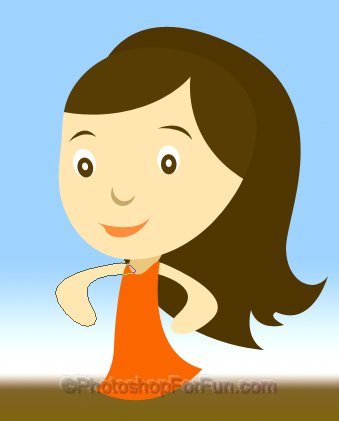
Create a rounded rectangle. Press Ctrl+T. Right click and select warp. Adjust the nodes to get the shape as shown. Similarly create another leg.
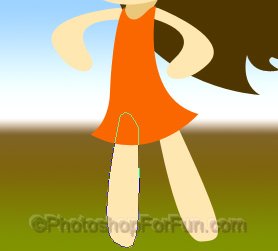
Double click the layer to open layer style window. Apply settings as shown.
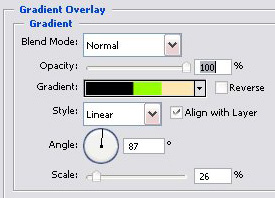
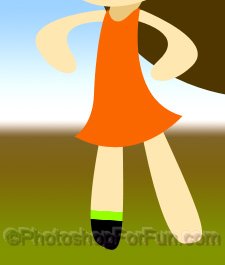
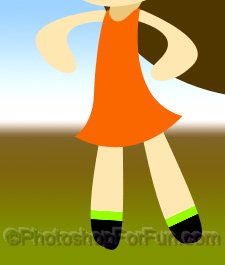
Create some flowers on dress using custom shape tool.
Insert cloud shape for custom shape tool for creating "pom pom".