Start by opening a image of a tree.

Insert an image of a man with side face.

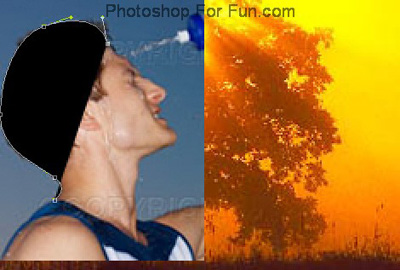
Select pen tool and start creating the outline of the face as shown.
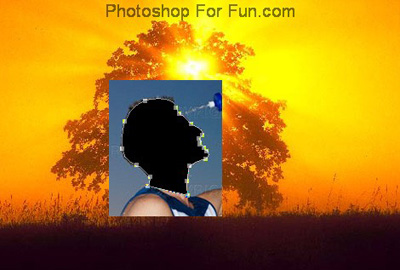
Hide the image layer. Scale up and rotate the face layer as shown
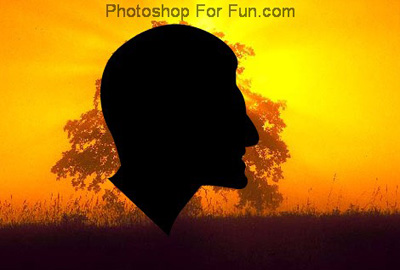
Ctrl+Click the layer thumbnail to get the selection. Hide the layer.
Select the background layer. Press Ctrl+J to copy paste the selection in a new layer. Hide the layer.
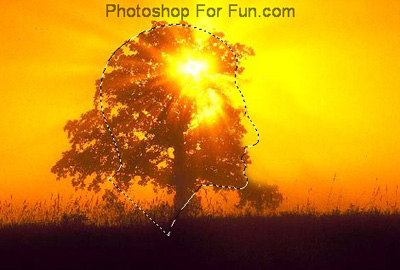
Now select clone stamp tool and start cloning the tree areas.


Unhide the copied face selection layer.

Clone stamp the neck area with leaves.