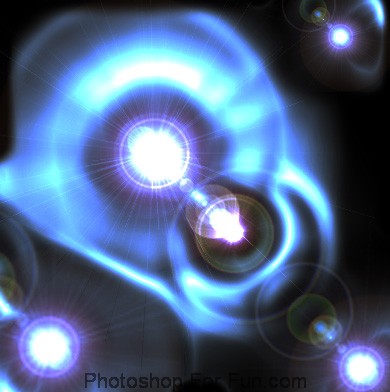
Start by creating a new file. Fill the background with black color.
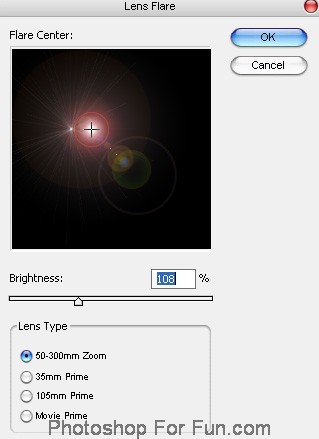
From filter menu select "Render>>Lens Flare ". Apply settings as shown.
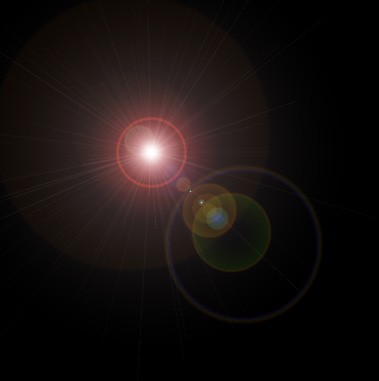
Duplicate the layer. Scale it down and place as shown.
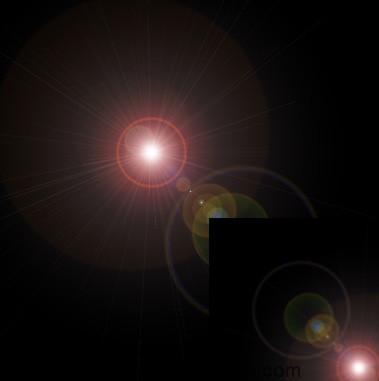
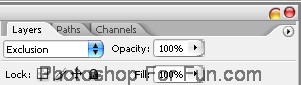
Change the layer mode to "Exclusion" from the layer palette.
Similarly create more duplicates at different position.
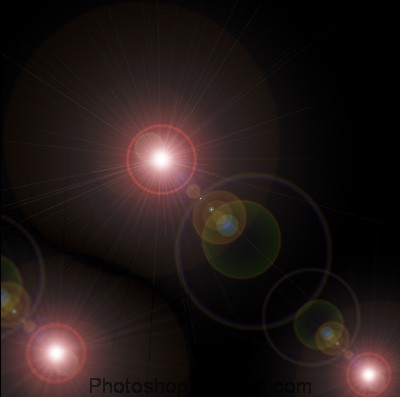
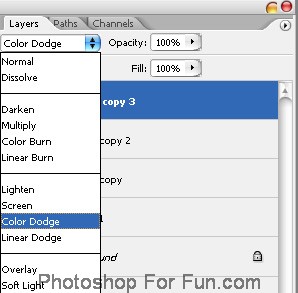
Change the layer modes of some of the duplicates to "Color Dodge".
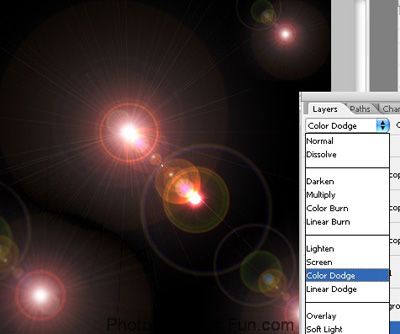
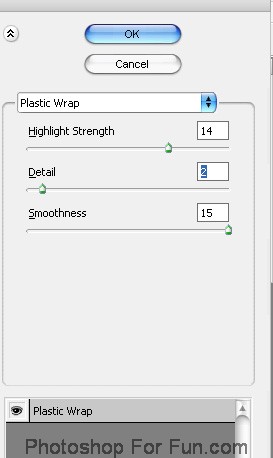
Select and merge all the layer. From filter menu select "Artistic>>Plastic Wrap ". Apply settings as shown.
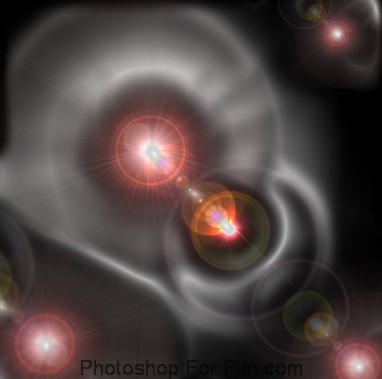
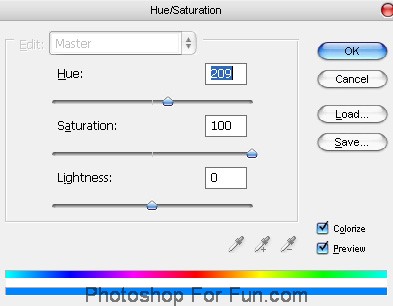
Duplicate the layer. Press Ctrl+U to open hue/saturation window. Apply settings as shown.
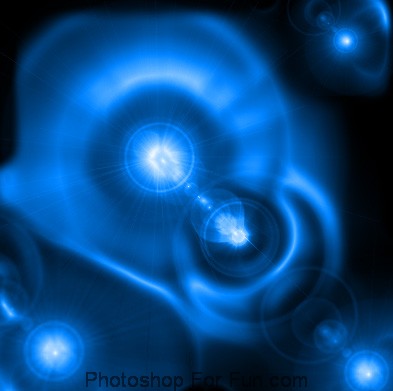
Change the layer mode to "Color Dodge " from the layer palette.