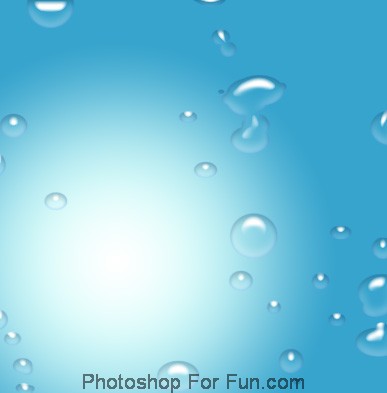
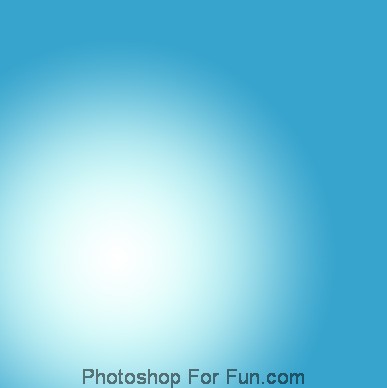
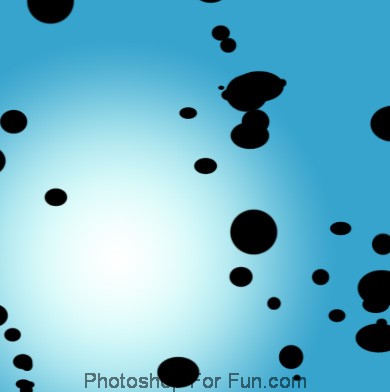
Create a new file. Apply blue to white gradient in radial mode.
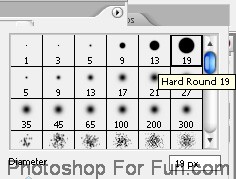
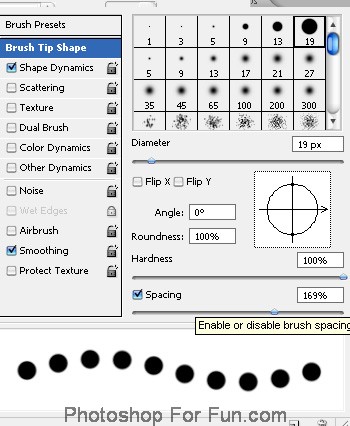
Press F5 to open brush window. Select brush as shown. Apply brush settings as shown in the shots below.
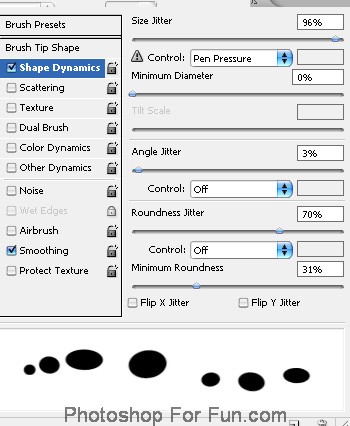
Create a new layer and apply the brush strokes randomly.
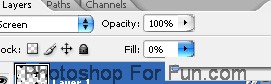
Reduce the fill value to "0%".
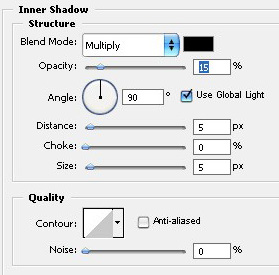
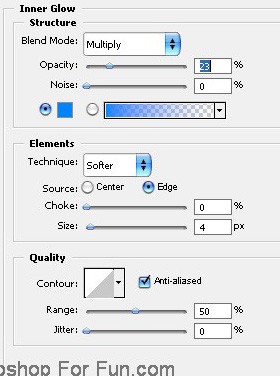
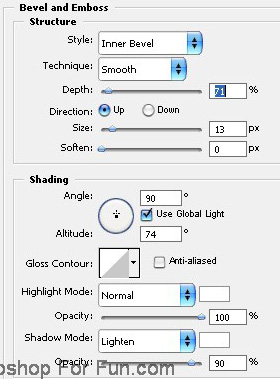
Double click the layer to open layer style window. Apply settings as shown.