1. Start out by creating a 500 x 500 pixels document.
2. Set Foreground color to #000000
Set Background color to #E35412

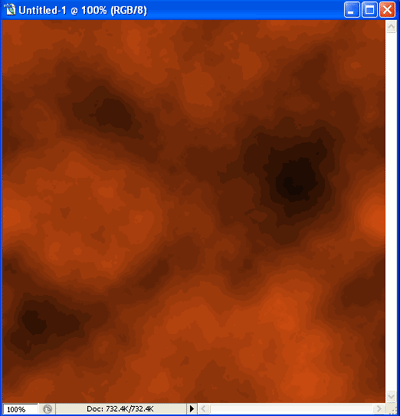
3. Now Go to Filter > Render > Clouds, Apply this filter 5 times by clicking Ctrl+F. Now you should have something like this:
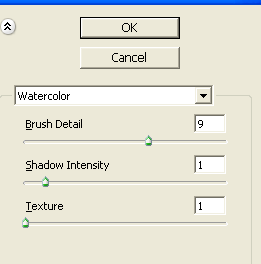
4. Now go to Filter >Artistic > Watercolor. Apply these settings:
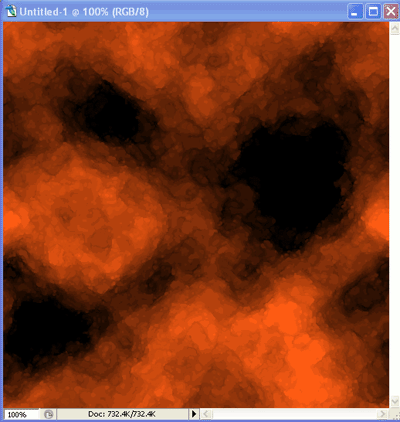
Now you should have something like this
5. Now go to Filter > Sketch > Chrome. Apply these settings:
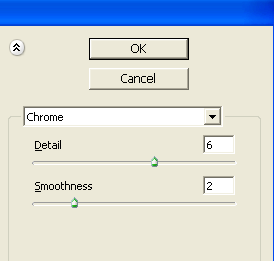
Now you should have something like this
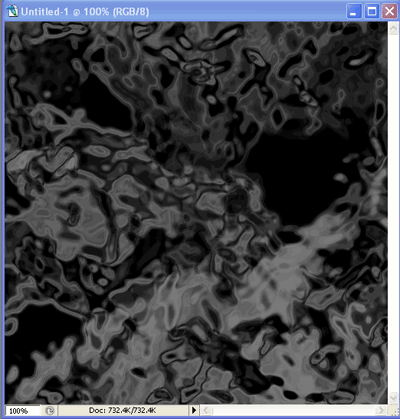
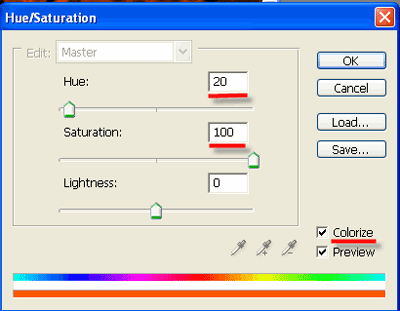
6. Click Ctrl+U to choose colors
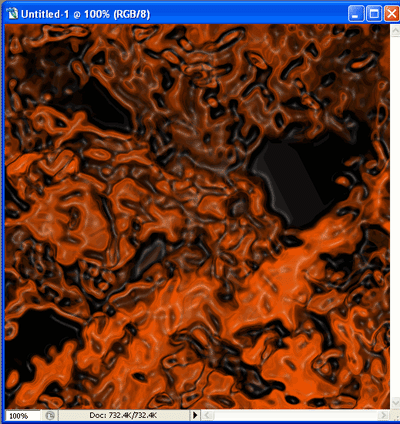
Now go to Filter > Artistic > Plastic Wrap
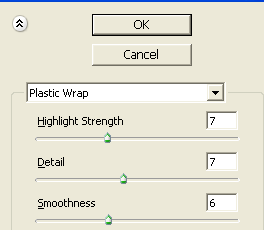
7. Final Result