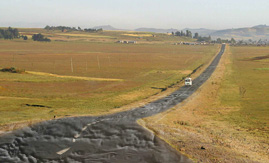
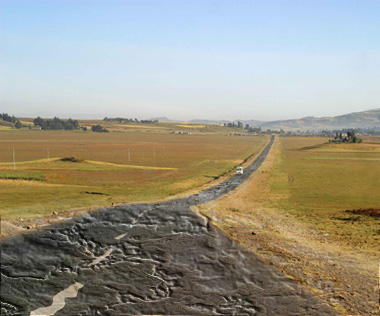
Start by opening an image of a long road.
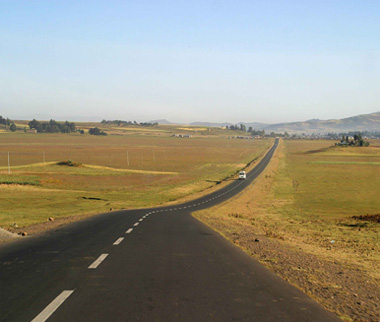
From "Filter" menu select "Liquify". Select forward warp tool and apply on the road to create distortion.
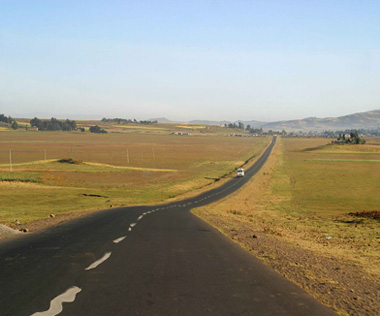
Press Q to enable quick mask. From "Filter" menu select "Render>>Difference Clouds".
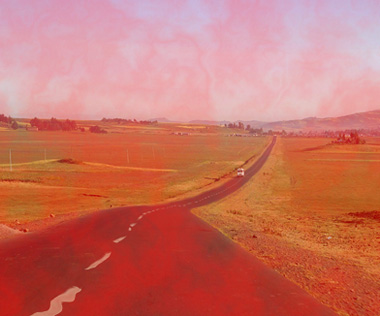
Press Q again to disable quick mask. Create a new layer and fill it with any color.
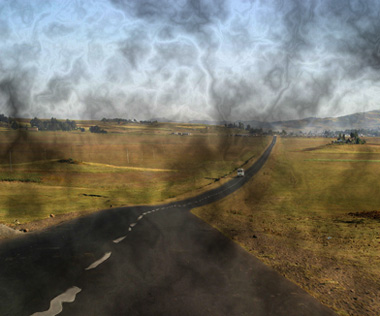
Press Ctrl+T and scale down vertically.
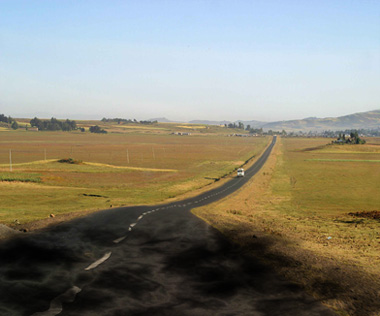
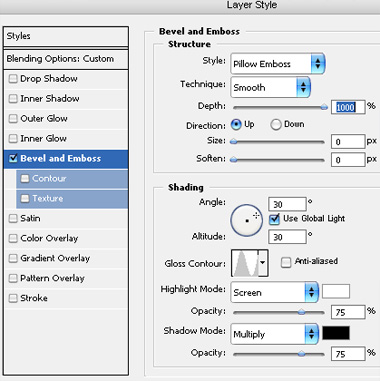
Double click the layer to open layer style window. Apply settings as shown.
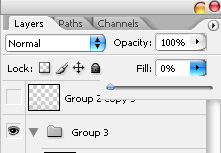
Reduce the fill value to 0%.
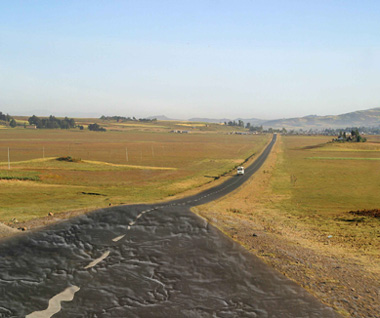
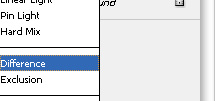
Change the layer mode to "Difference".
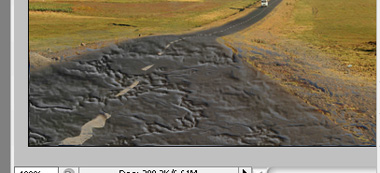
Similarly create cracks in the distant portion of the road.