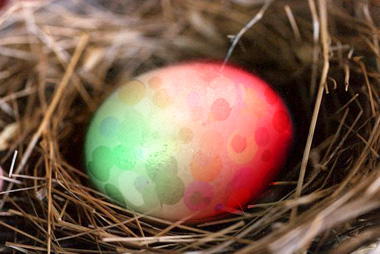
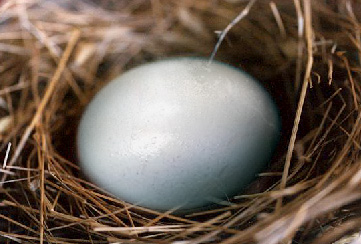
Start by opening an image of an egg.
Create the egg selection using lasso tool.
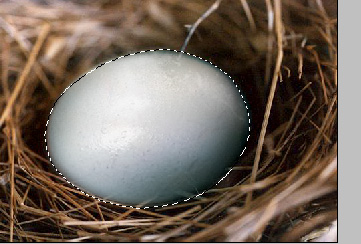
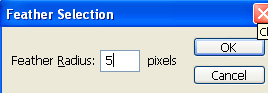
Press Ctrl+Alt+D to feather the selection.
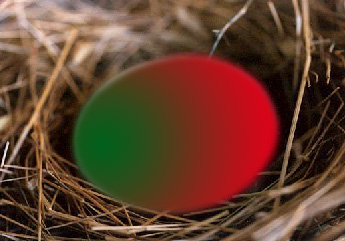
Create a new layer and apply a green to red gradient.
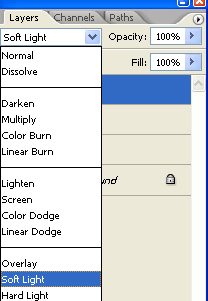
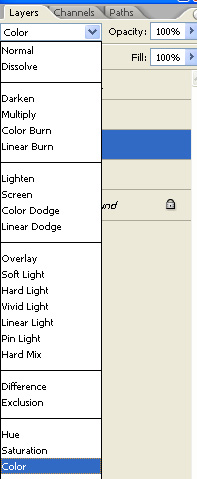
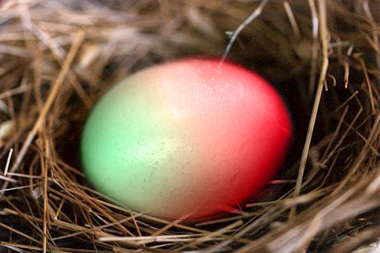
Change the layer mode to color.
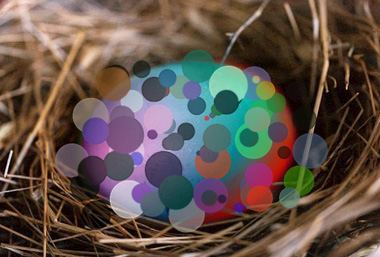
Select the brush tool. Press F5 to open brush settings. Select 55 brush from the brush presets. Apply settings as shown.
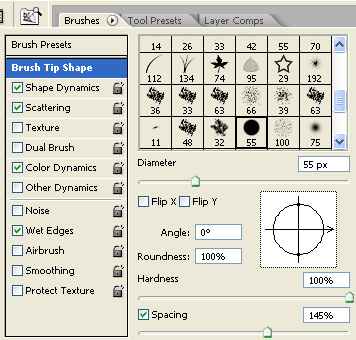
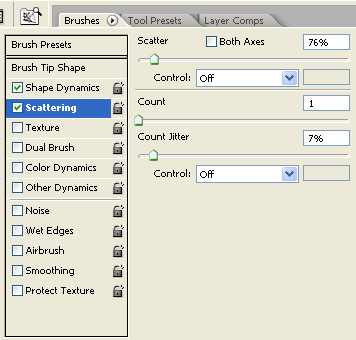
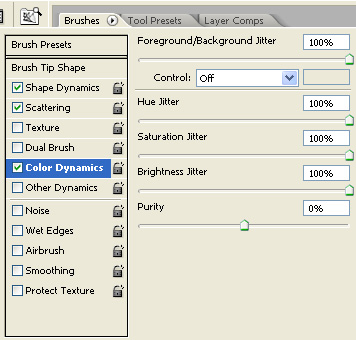
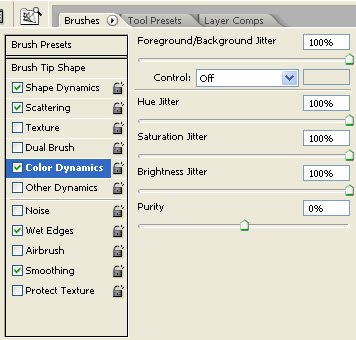
Create a new layer and apply the brush over the egg.
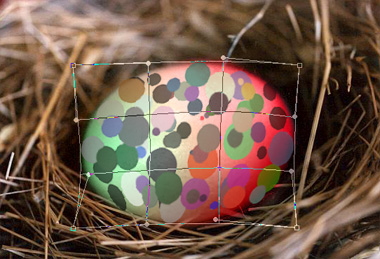
Press Ctrl+T. Right click the layer and select warp. Adjust nodes to get the shape as shown.
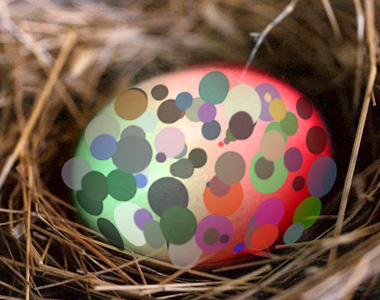
Change the layer mode to soft light.