

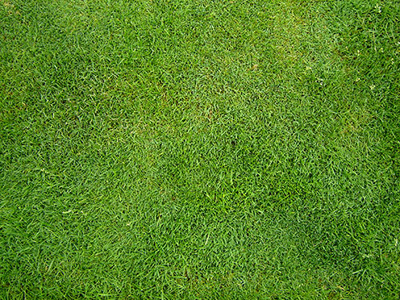
First we have to find good picture of grass. I found one on sxc.hu (You have to register). www.sxc.hu
Now we have to resize it. Select Image -> Image Size (Alt + Ctrl + I), and set Width to 500px (If You don't want to register on sxc.hu, You can use this image for the rest of this tutorial).
Now use Rectangular Marquee Tool (M). Use Fixed Size (160x160) and click somewhere, where You think the grass is in one colour.
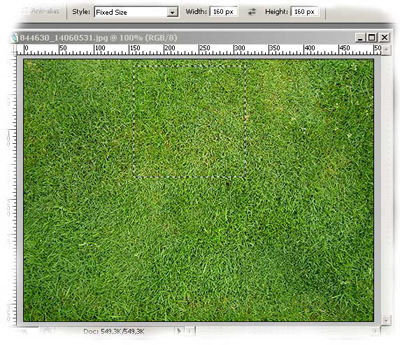
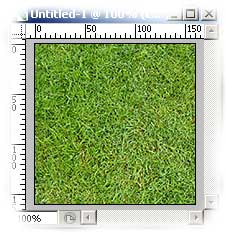
Now use Edit -> Copy (Ctrl + C), than File -> New (Ctrl + N), hit OK, and then Edit -> Paste (Ctrl + V).
Now we have to use Filter -> Other -> Offset... (set Horizontal and Vertical to 1/2 of width and height)
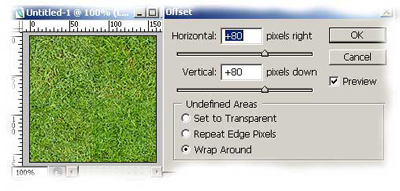
In most of cases we have to use Clone Stamp Tool (S) and mask some "lines" in the middle. Use hard brush for it (hardness to 100%) My result:
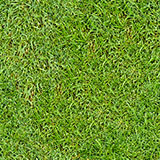
Last thing is Edit -> Define Pattern... You can check Your new pattern using Paint Bucket Tool (G) on new document. With this technique You can make any pattern (brick, wall, ground...)
