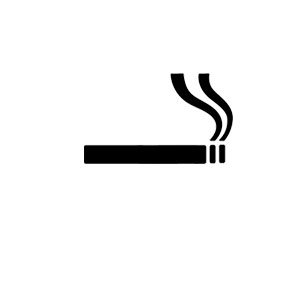
1. Create a new document (I made mine 300x300px) and draw or open a cigarette (I found this cigarette image on google).
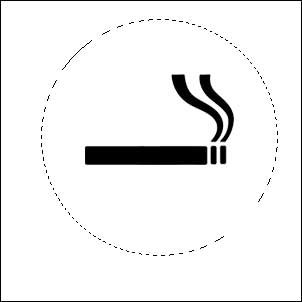
2. Select the Elliptical Marquee Tool and make a selection like this one.
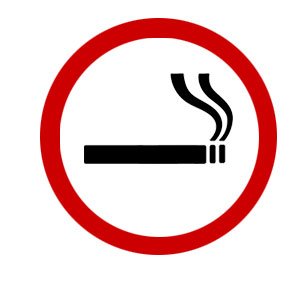
3. Now fill the selection with red. Don't worry, your cigarette image will disappear, but it's normal Continue with the next step.

4. Now Select >> Modify >> Contract and enter about 20px (depending on your image, you can enter another value). Then hit Delete.
5. Create a new layer, select the Rectangular Marquee Tool, make a selection like this one and then fill it with the same red color.
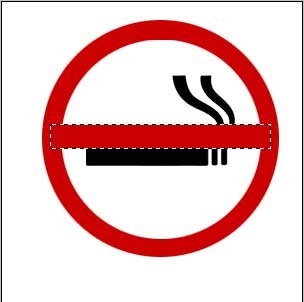
6. Right click on the rectangular selection, choose Free Transform and then rotate it until you get something like this:
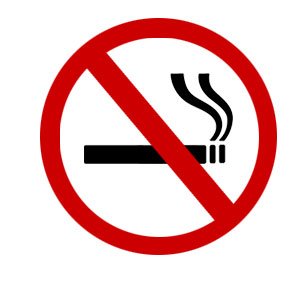
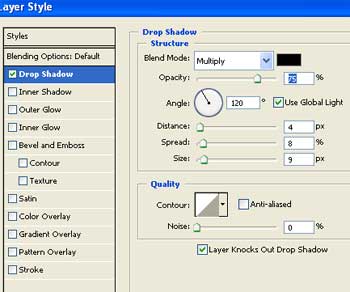
7. Almost done. Add some Drop Shadow with these settings…
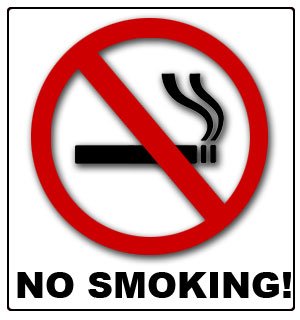
8. …and that's it!