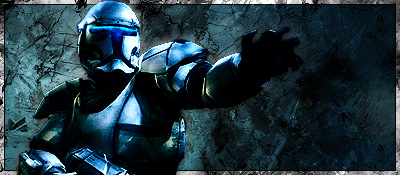
Start with a new document 400x175 px fill the canvas with black(#000000).

Brush with your grunge brushes in white on the black
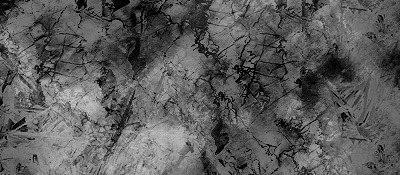
Brush some black on top of the white if you want.
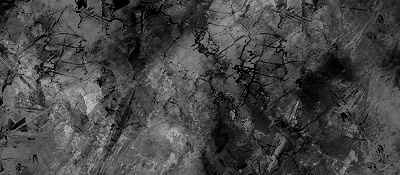
Select some similar colors from your render. Then use a circular gradient like you see. Then filter > render > lense flare, 105 prime and place it where your render will go.

Finally set this layer on overlay.
Make 2 duplicates of your render (ctrl + j)
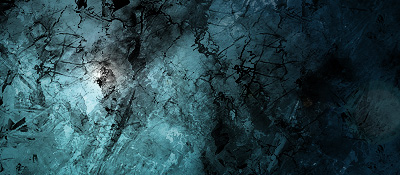
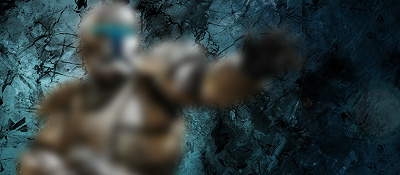
Place your render on your lense flare and then go to Filter > Blur > Gaussian blur with a setting of 6.
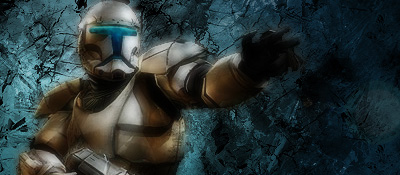
On your other render layer set the layer style to Soft Light
On your last render layer set it to Overlay and then go to image > mode > color balance adjust all the settings until you get yor render the colors of your background.

To add the border go to edit > stroke with black and 5px thick
Then go to edit > stroke again with 4px white this time.
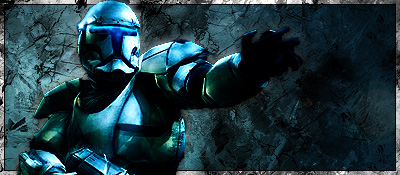
This is my final. Just add in your name and you are done.