

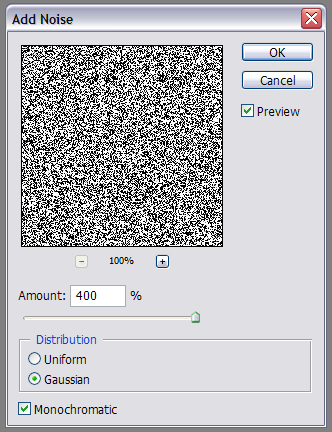
On a 200x200 canvas, go to 'filter > noise > add noise' and enter these settings:
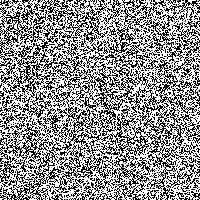
Should look like this:
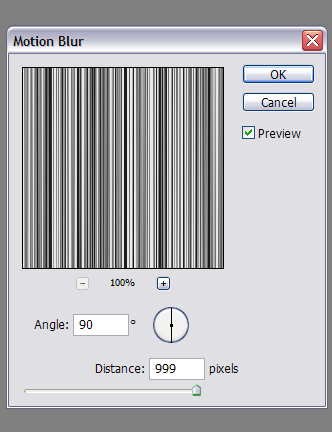
Go to 'filter > blur > motion blur' with these settings:
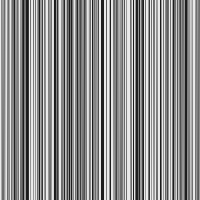
That gives you the basic barcode look:
Now refine the barcode a little, by going to 'filter > sharpen > unsharp mask'. Experiment with the settings.
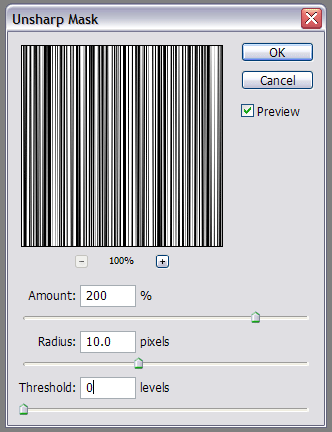
This will sharpen the image and give the barcode look
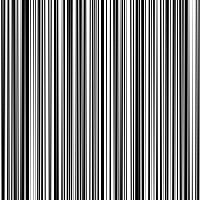
Now just crop out whatever area you want to use for the barcode. I used the rectangular marquee tool, copy-pasted my barcode on a new layer, and added some text underneath (Courier New, bold, 14pt). and...done

