


1. Open a New Document in Photoshop. 250x250 hieght/width.
2. Make sure foreground color is black and background color is white.
3. Goto Filter > Render > Clouds Difference.
4. Click Ctrl+F to apply Clouds Difference filter again.
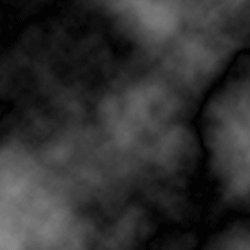
5. Goto Filter > Artistic > Sponge. Adjust sliders so that the result looks like camoflauge.
6. Goto Image > Adjustments > Color Balance. Adjust color sliders to give the color of camoflauge that you desire.
7. You should now have your camoflauge texture.
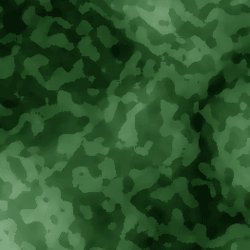
Done!?! Yeah, that's all.
