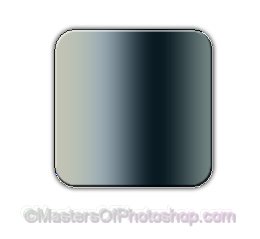
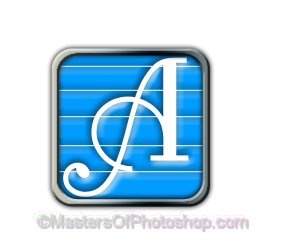
Create a rounded rectangle using rounded rectangle shape tool.
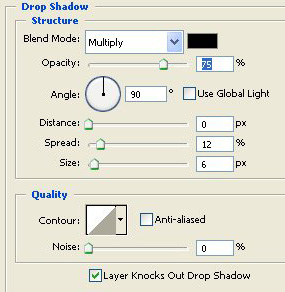
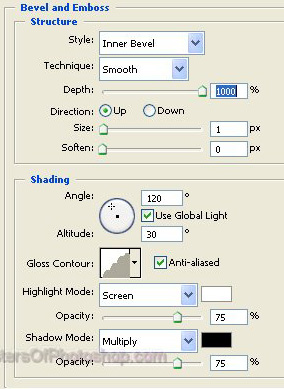
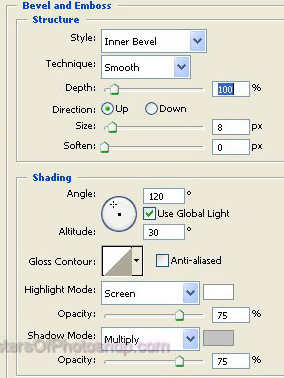
Double click the layer to open layer style window. Apply settings as shown.
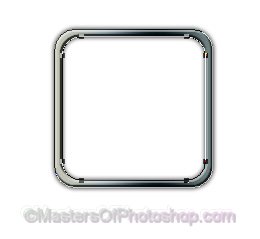
Enable "subtract from shape area" at the top bar. Create another rounded rectangle using rounded rectangle shape tool.
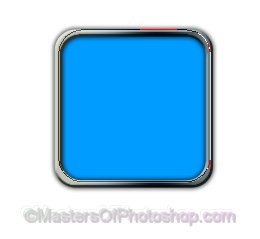
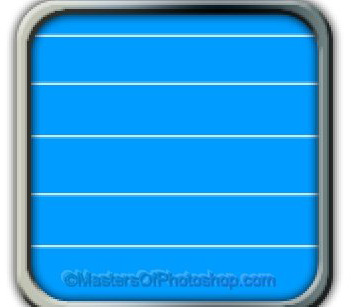
Create another rounded rectangle fill it with blue color. Move this layer below all the layers in layer order in layer palette.
Enable "subtract from shape area" at the top bar. Create a horizontal line using line tool.
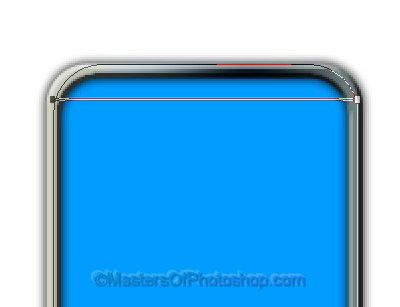
Similarly create more lines as shown.
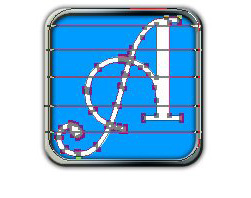
Type an alphabet using a nice font. Right click the font layer in layer palette and select "convert to curves" option.

Select the path using path selection tool. Press Ctrl+X to cut the path. Select the blue rectangle layer. Press Ctrl+V to paste the path.
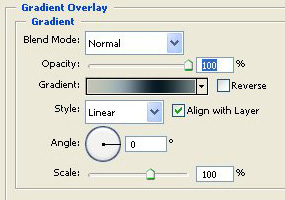
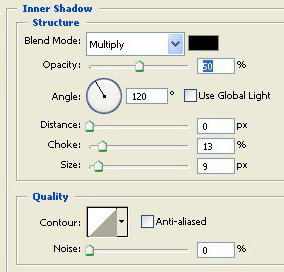
Double click the layer to open layer style window. Apply settings as shown.
Type company name and punch line using a nice font. Apply same layer style we used for the first rounded rectangle.