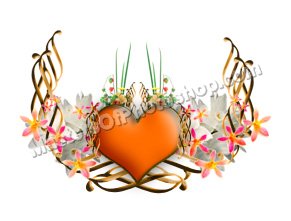
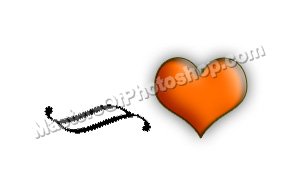
Create "heart" shape using custom shape tool.
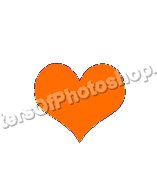
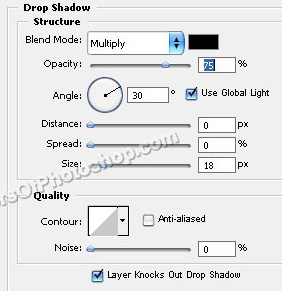
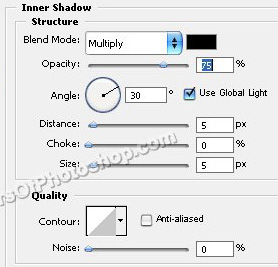
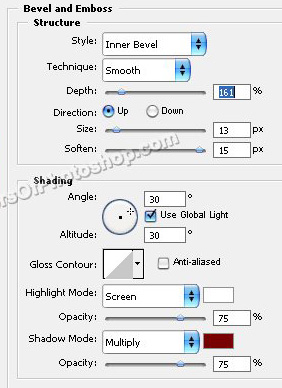
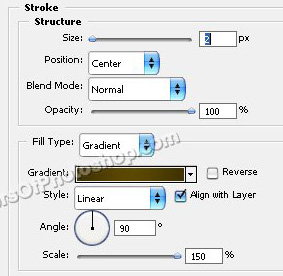
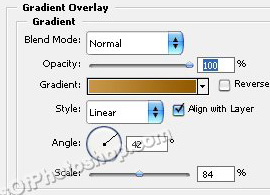
Double click the layer to open layer style window. Apply settings as shown.

Create "Ornament 1" shape using custom shape tool.
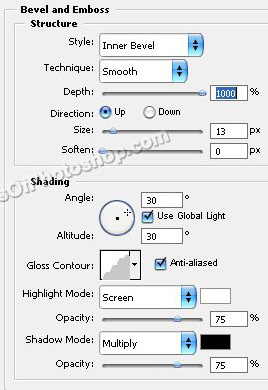
Double click the layer to open layer style window. Apply settings as shown.
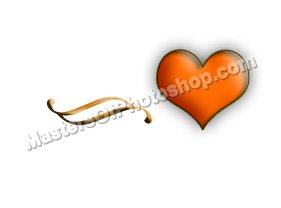
Duplicate this layer several times and place interestingly.


Insert some cutouts of flowers.
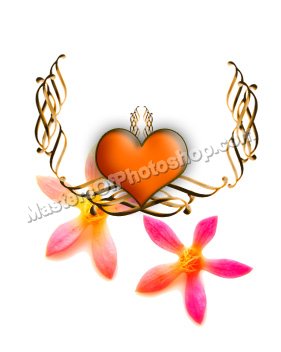
Scale down, duplicate and place as shown.
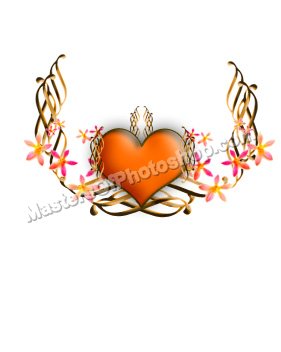
Similarly insert more flowers cutouts and place as to decorate the bouquet.