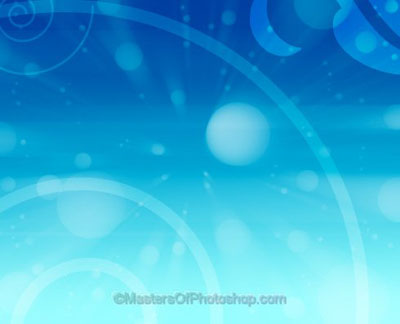
Start by applying a nice gradient to the background layer. Create a circle using elliptical shape tool.
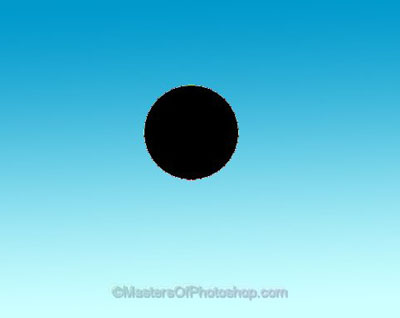
Reduce the fill value to 0%.
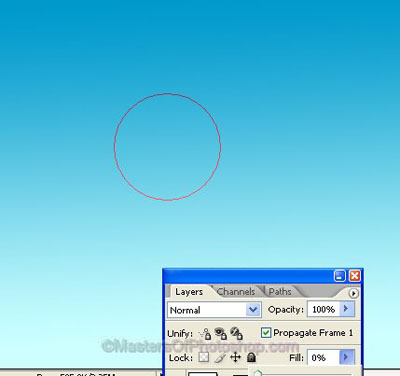
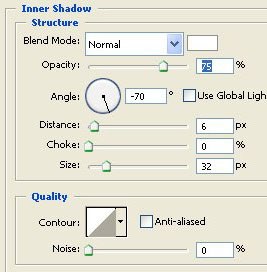
Double click the layer to open layer style window. Apply settings as shown.
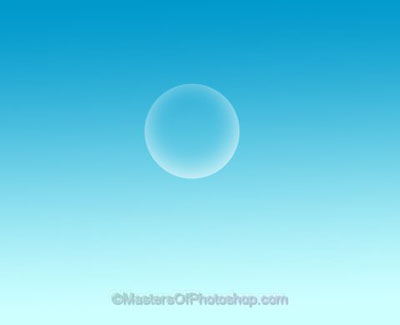
Ctrl+Click the layer thumbnail to get the selection. From edit menu select "define brush preset". Named it "bubble".
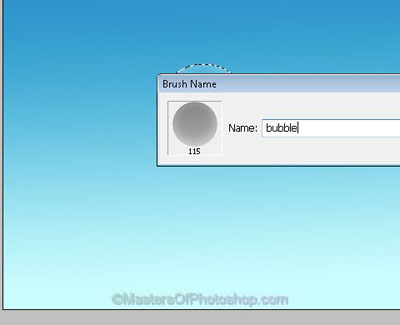
Hide the bubble layer. Create a new layer. Select brush tool.
Press F5 to open brush settings. Apply settings as shown.
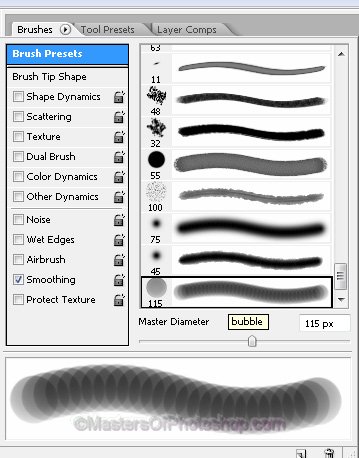
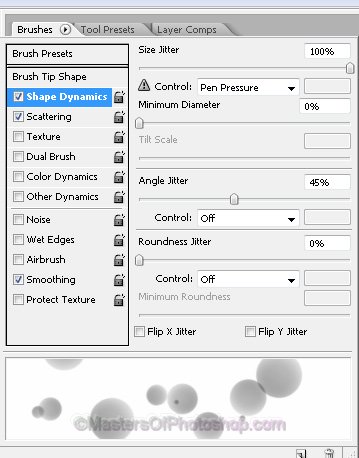
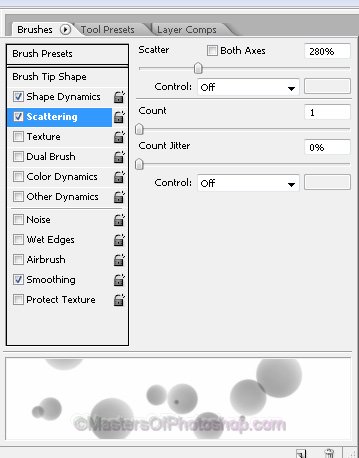
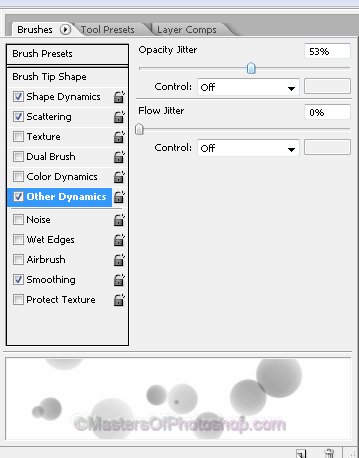
Select white as foreground color. Apply as shown.
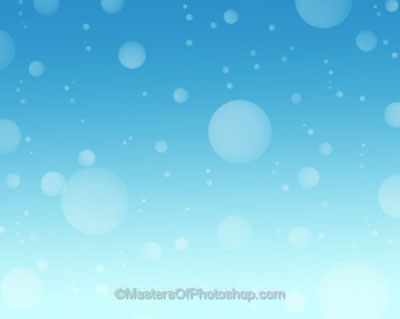
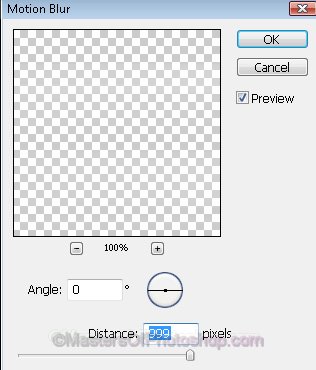
From filter menu select "blur>>motion blur". Apply settings as shown.
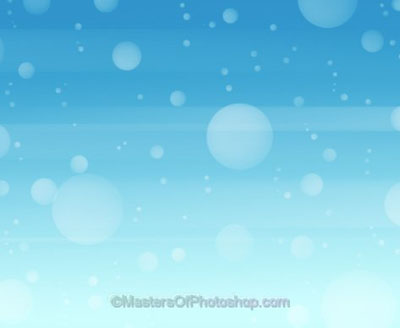
Duplicate the layer.
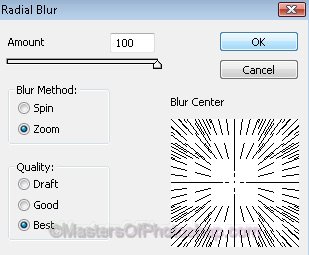
From filter menu select "blur>>motion blur". Apply settings as shown.
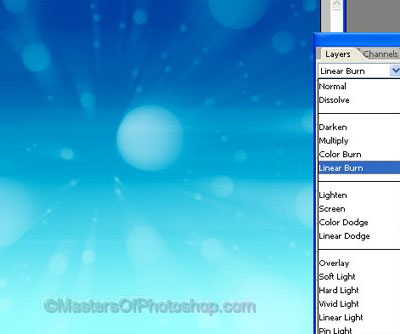
Change the layer mode to "Linear Burn" from the layer palette.
Create some custom shape. Play around with their opacity and layer mode.