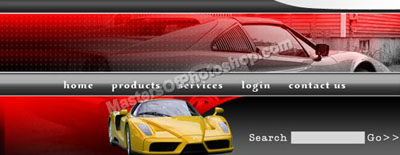
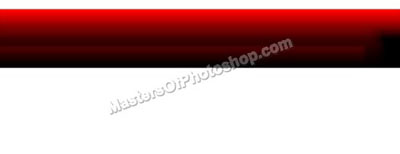
Create a rectangle using rectangular shape tool.
Double click the layer to open layer style window. Apply settings as shown.
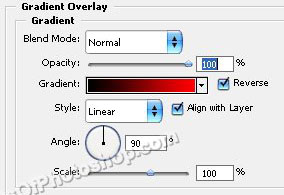
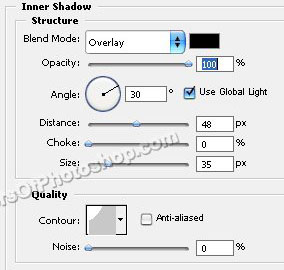
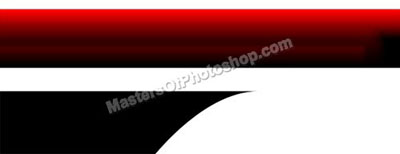
Create a shape as shown using pen tool.
Double click the layer to open layer style window. Apply settings as shown.
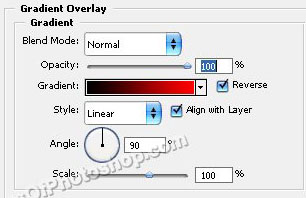
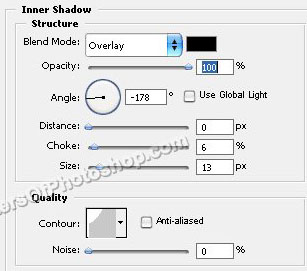
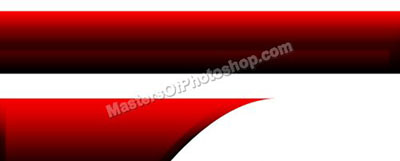
Similarly create another curved shape. Apply different gradient style.
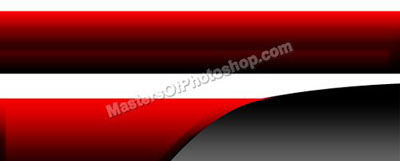
Create a rectangular stripe using rectangular shape tool.
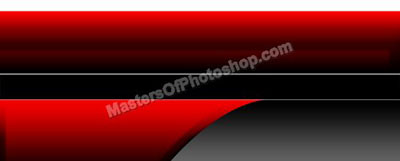
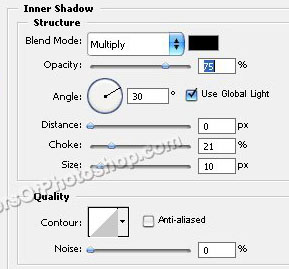
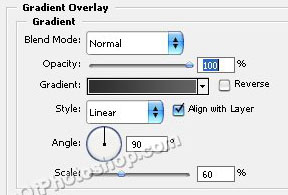
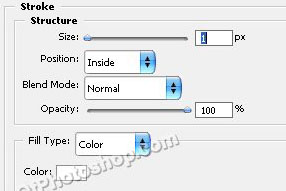
Double click the layer to open layer style window. Apply settings as shown.
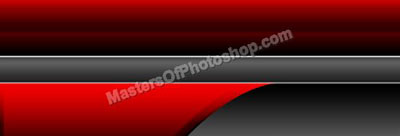
Ctrl+Click to get the selection. Contract the selection by 2 pixels.
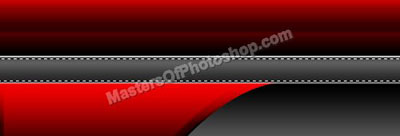
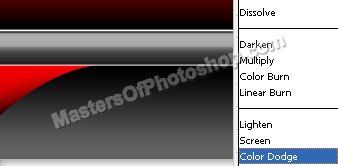
Create a new layer. Apply Black to white gradient. Change layer mode to color dodge and opacity to 50%.
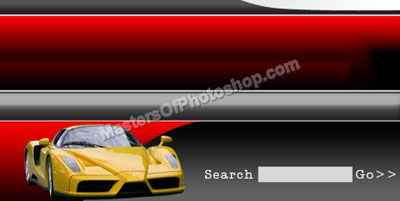
Create some more shapes. Insert search box as shown. Insert a cutout of a car. Place it on the left .
Insert another image of a car. Change the layer mode to "luminosity". Move this layer below the gray curved shape layer in layer order in layer palette.
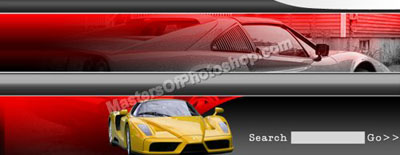
Type link names over the rectangular stripes.