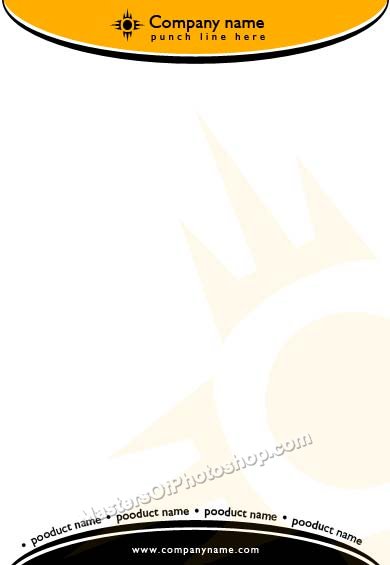
Create a circle using elliptical shape tool.
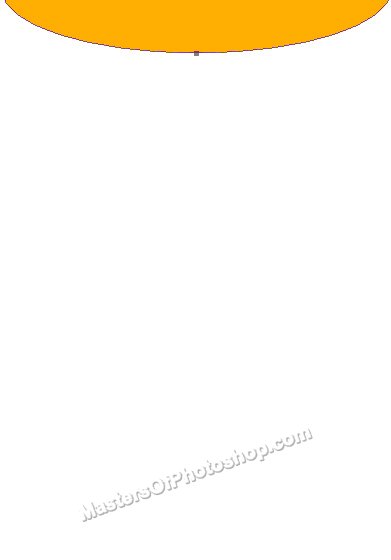
Create another circle using elliptical shape tool. Move this layer below all the layers in layer order in layer palette. Fill it with black color.
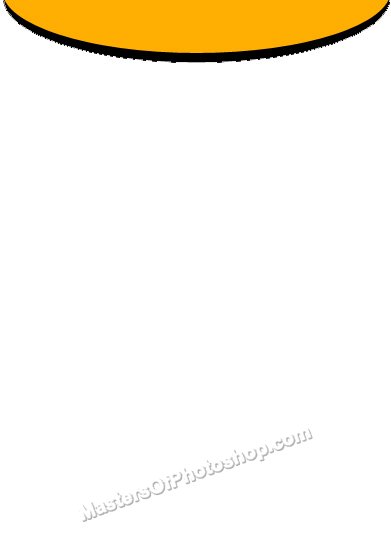
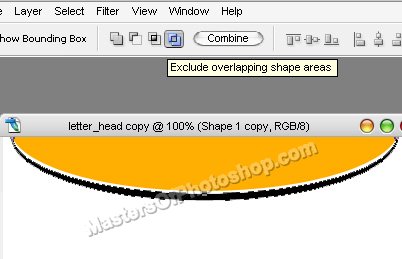
Select the path using path selection tool. Duplicate the path and move it to top a few pixels. Now enable "exclude overlapping shape areas" from the top bar.
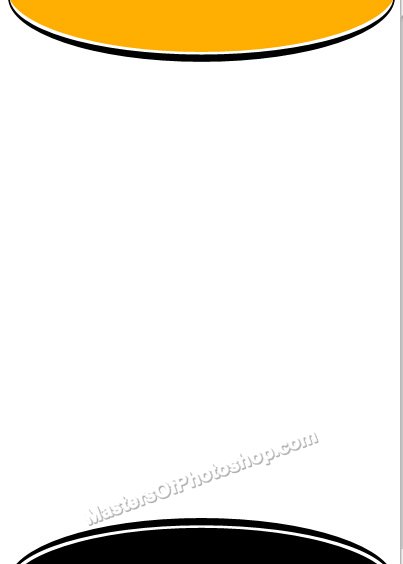
Duplicate both the layers. Press Ctrl+T. Right click and select Flip Vertical and place on the other side.
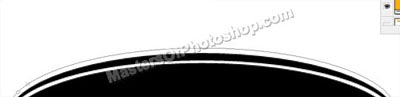
Copy the path using path selection tool. Create a new layer and paste the path. Select the path using path selection tool.
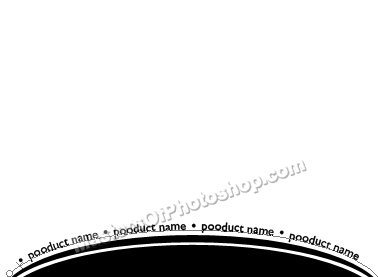
Select type tool and click over the path to type on the path.
Insert company name and logo.
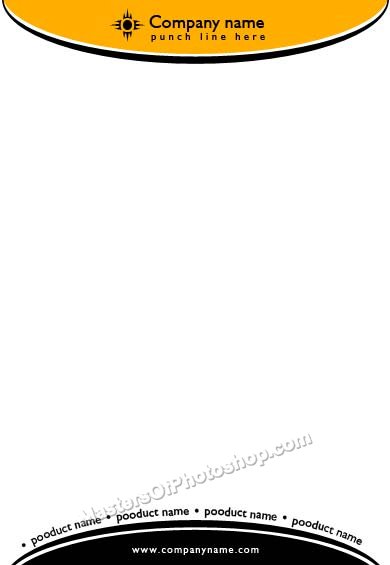
Insert the logo. Scale it to the letterhead size. Place it on the right side as shown.
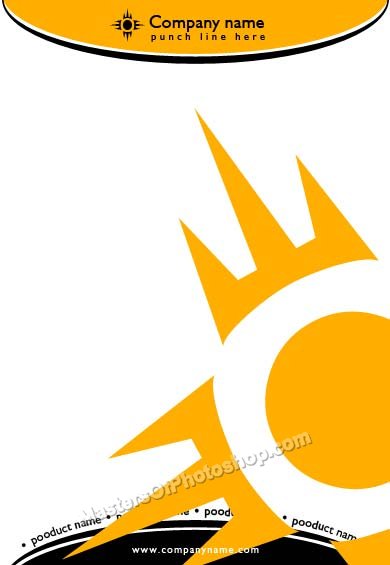
Reduce the opacity to 5% and add other text details.