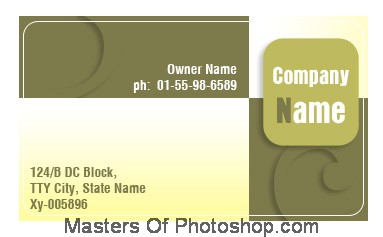
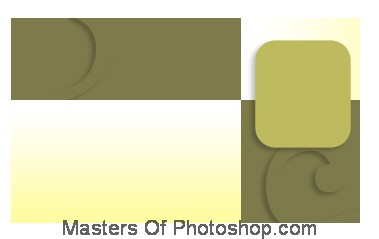
Create a rectangle using rectangular shape tool.
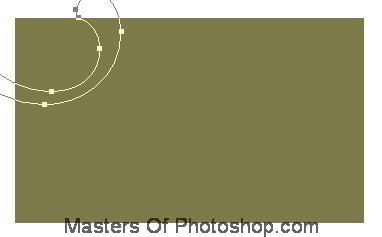
Create "flower1" shape using custom shape tool.
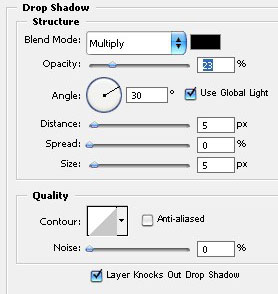
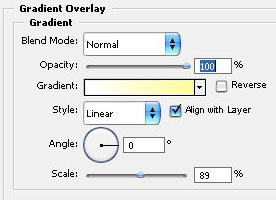
Double click the layer to open layer style window. Apply settings as shown.
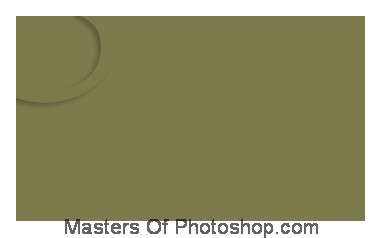
Similarly create another shape and apply same layer style.
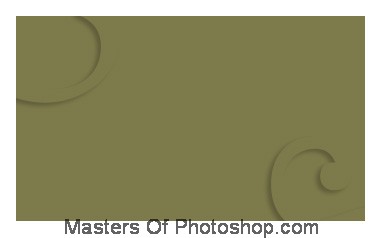
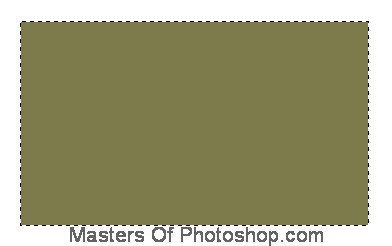
Create a rectangle using rectangular shape tool.
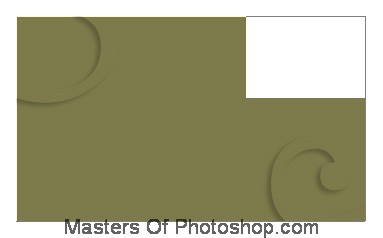
Double click the layer to open layer style window. Apply settings as shown.
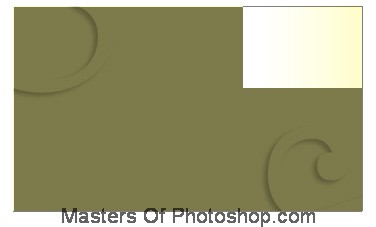
Similarly create another rectangle and place as shown.
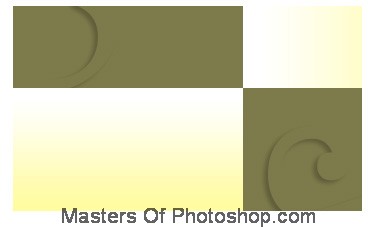
Create a rounded rectangle using rounded rectangle shape tool.
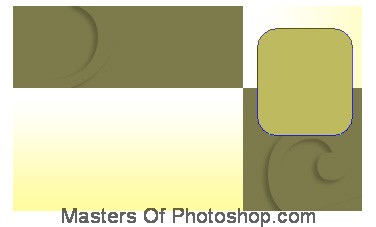
Double click the layer to open layer style window. Apply settings as shown.
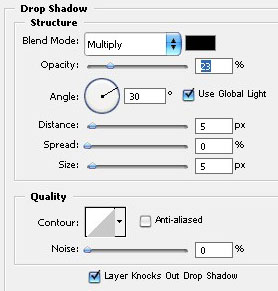
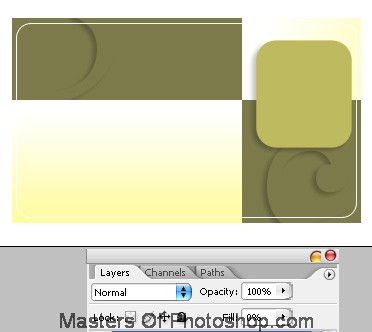
Create another rounded rectangle using rounded rectangle shape tool. Apply 1 pixels stroke layer style. Reduce the fill value to 0%.
Type company name as shown.
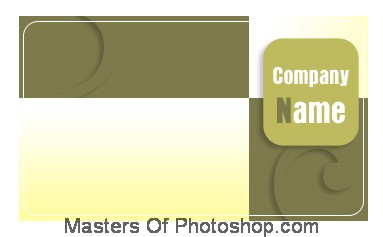
Insert other information using nice fonts.