

Part 1
1. Make new document 50X50 Pixels
2. Using polygon lasso tool make selection the same as image below.

3. Make Full Black color
Edit > Define Pattern
Part 2
1. New Document
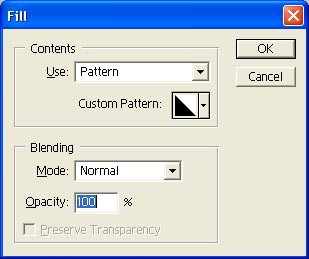
2. Edit > Fill
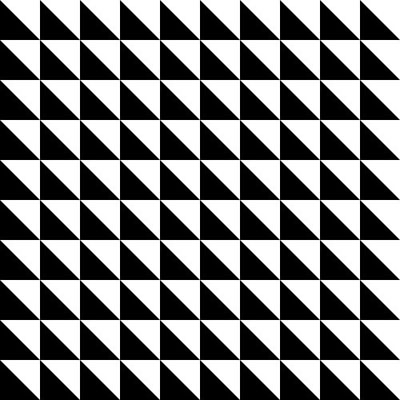
3. Result:
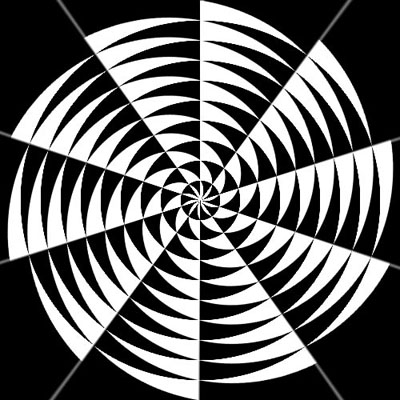
4. Filter > Distort > Polar Coordinates: Rectangular to Polar.
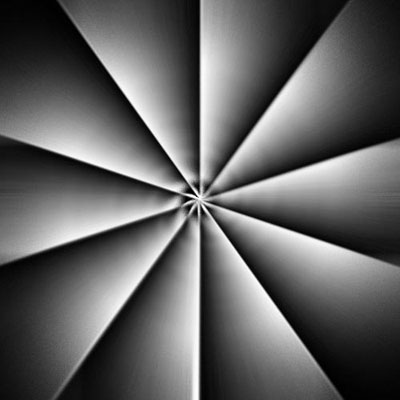
5. Filter > Blur > Radial Blur with amount 100 (Zoom).
6. Press Ctrl+F and see results
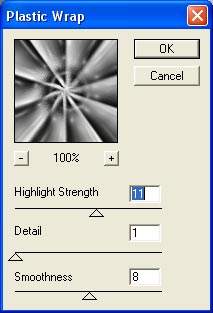
7. Filter > Artistic > Plastic Wrap
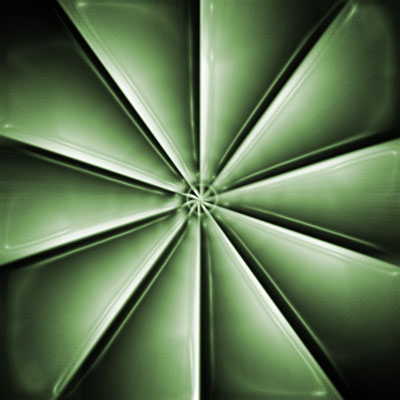
8. Image > Adjustments > Hue/Saturation
Good Luck!
