
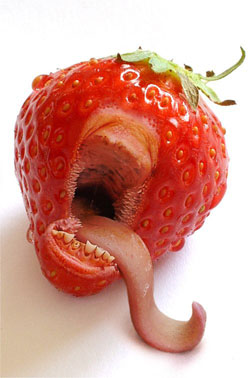
1. Open up a picture (I used the one you can see below).
2. Duplicate the picture layer (layer - duplicate layer) and then desaturate those 2 layers (image - adjustments - desaturate).
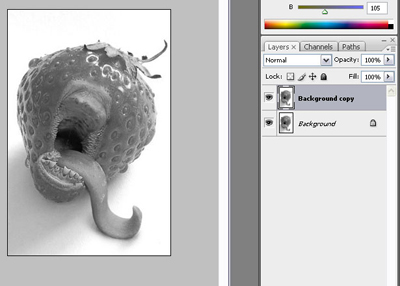
Click to enlarge
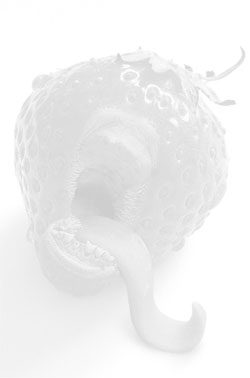
3. Select the top layer and invert it using Ctrl+I or (image - adjustments - invert). Then set the blending mode of that layer to color dodge and change the opacity to 80%.
4. In this last step just add a gaussion blur with the following settings to the top layer (filter - blur - gaussian blur) and you're finished.
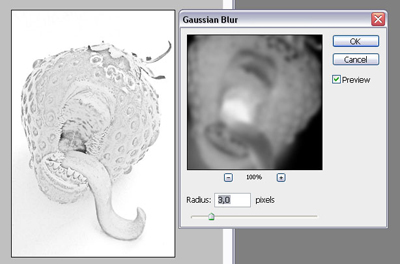
Click to enlarge
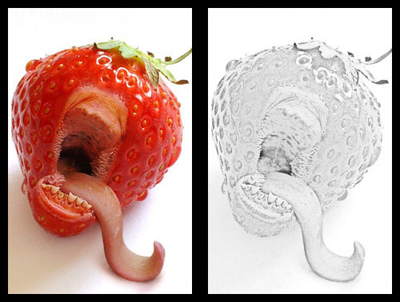
5. Here you can see the difference bewteen the 2 pictures… It looks like the second one is a drawing of the first one, isn't that cool and yet so simple?
Click to enlarge
