
1. Create a new document (640*480).
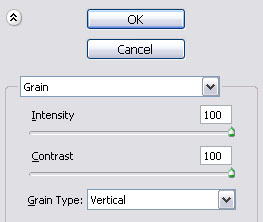
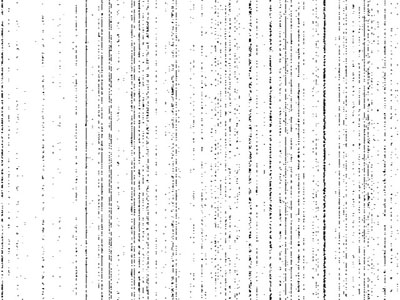
2. Fill the background with white #ffffff using the paint bucket tool and then go to (filter - texture - grain).
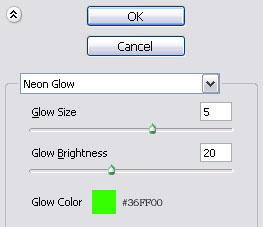
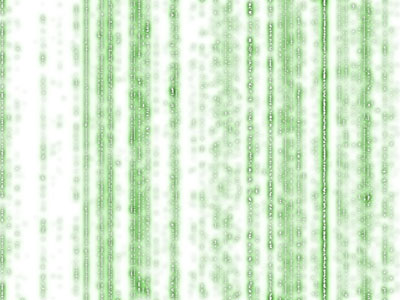
3. Now go to (filter - artistic - neon glow) and use these settings.
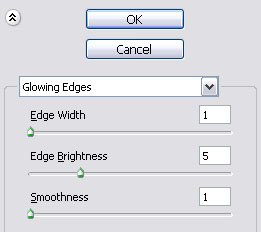
4. Now go to (filter - stylize - glowing edges) and use these settings
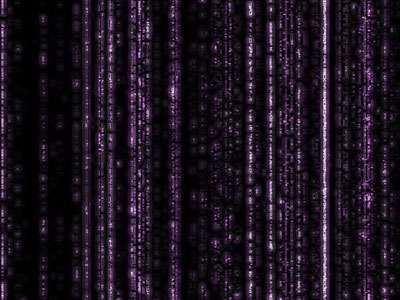
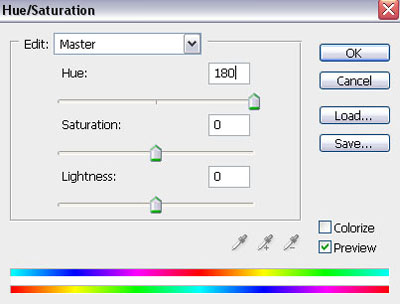
5. And in the last stap we are going to give this layer the typical color green (image - adjustments - hue/saturation).
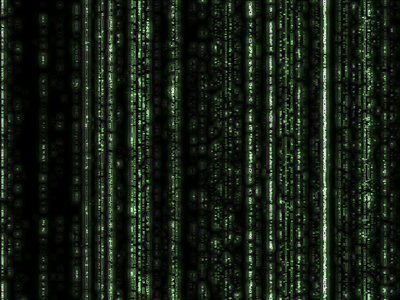
Click to enlarge
