

So, start the Photoshopmachine! Read on: What do you need?
- A subject. I chose Sven Jaschan, the 18 year old German whizz-kid who created the Sasser- and NetSky-worms back in 2004.
- A fitting photo. I found this picture of a "hackers lair".
- The "Georgia"-font. It should be pre-installed. Otherwise, you can download it here.
- The official Du Bist Deutschland-logo.
Right, now start throwing the pieces together:
Open the background picture in Photoshop and resize the canvas to 800 x 600 (image>canvas size).
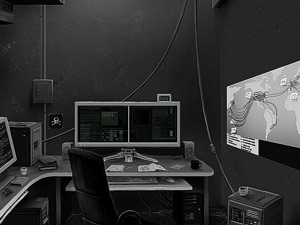
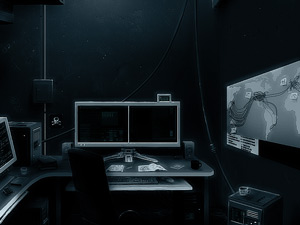
I've added a gray blue layer with blending mode set to "color" to make the grayscale-picture more interesting.
Add the obligatory text "Du bist *name*" in the Georgia-font. I used font size 250 for the "Du" and 60 for the "bist Sven Jaschan"-part.
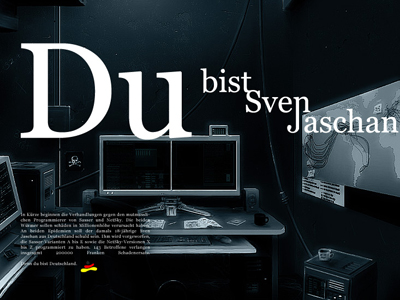
Type some German dummytext at the bottom (or search something about your subject on Google.de) in size 8 and insert the logo ( cut the white areas with the magic wand ("W")).
To give your piece that extra dimension, tweak the letters from the name so they connect fluidly.
Bad:

Good:

Have fun making your own parody!
If you're a Flickr-users, be sure to add your piece to the Du Bist Deutschland-pool.
