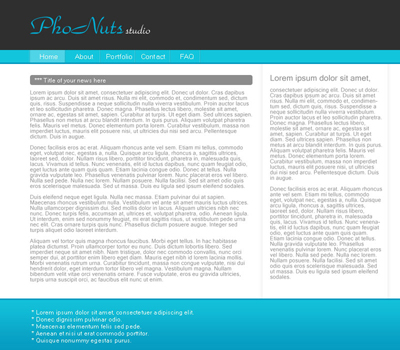
1. Create a new document (800*700).
2. Fill the background with #ffffff.
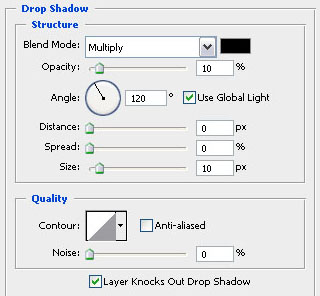
3. Now create a new layer (layer - new layer) and select a rectangle like shown and fill it with #ffffff. Adjust the blending options and add a drop shadow like shown in the second picture!
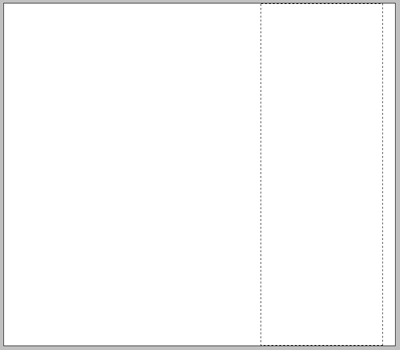
4. Create another new layer and select a box on the bottom using your rectangular marquee tool and fill it with #13c1da so you end up with this.
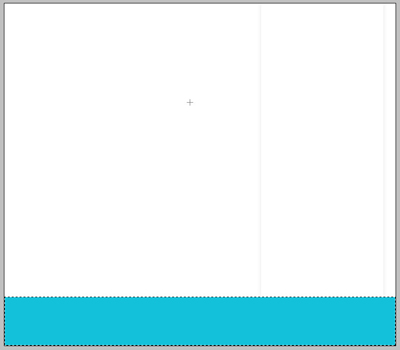
5. Now adjust the blending options of the layer from step 4 (layer - layer style - blending options).
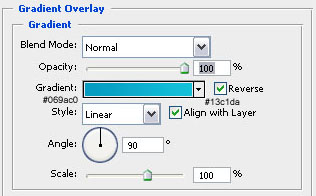
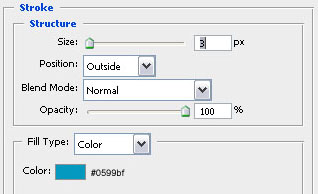
6. Create a new layer (layer - new layer) and select a rectangle like this and fill it with #12c5dc using your paint bucket tool. Add the same stroke as in step 5 while adjusting the blending options.
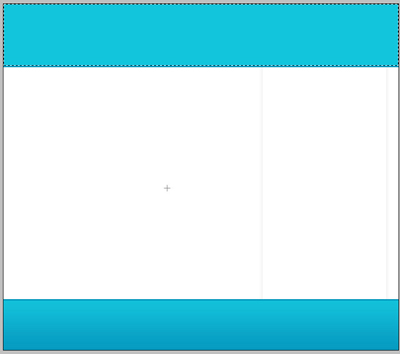
7. Now select another rectangle on top of the previous one and fill it with #2f2f2f… Don't forget to create a new layer! The blue line that's left will become our menu.
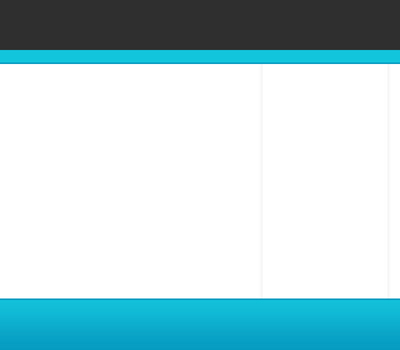
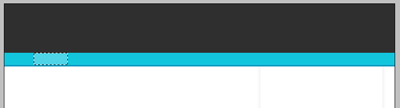
8. Now create a button on your menu by selecting a tiny box and fill it with #4fd4e7 like you can see in the screenshot below.
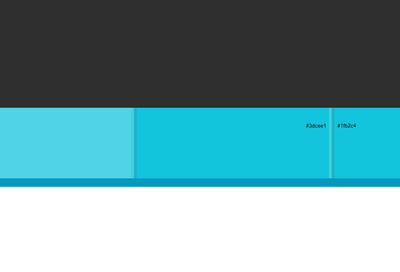
9. In this step we will create a 2px wide stripe to indicate the menu buttons. You can see a close-up of the lines! The first one is in #3dcee1 and the second one is #1fb2c4! You should also duplicate that layer (layer - duplicate layer) a few times to create more buttons for your interface! After I've done all this my design looks like what you can see in the second picture below (I've also added some text using the microsoft sans serif font with a size of 14px).
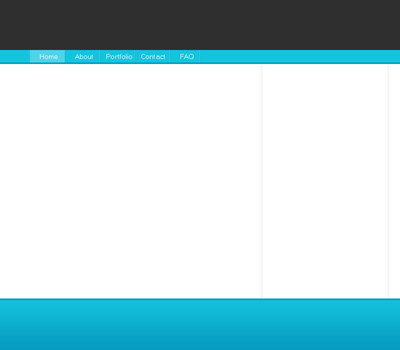
10. Here I've created a sort of bar for the title of a post or something else. Use your rounded rectangle tool with a radius of 4px to design a bar like shown below and make sure your foreground color is #8c8c8c! Here I've also added a little bit of content to fill everything up. The color of the content text is #a8a8a8.
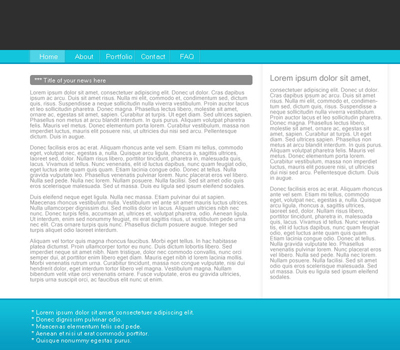
11. I've also inserted a simple title with a nice font called parkavenue bt (size is 50px). The blue in the title is #00add5. And there you have your layout! I know the text is not looking good but that's just done very quickly and can be easily optimized! You could use this for everything you like! A blog, a business site,…