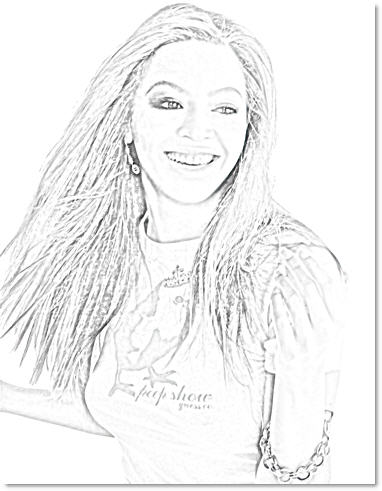
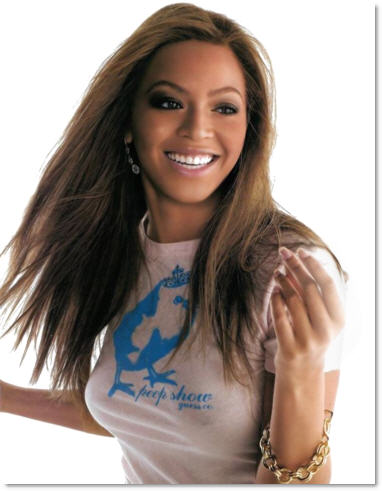
1. Open picture file that you want to convert, I choose Beyonce picture :X
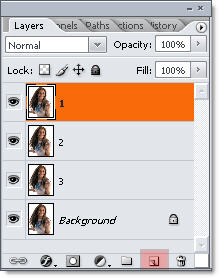
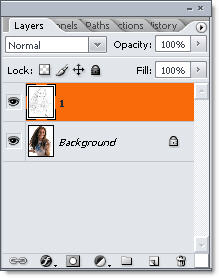
2. Duplicate layer background for 3 times, and name 1,2,3 like this
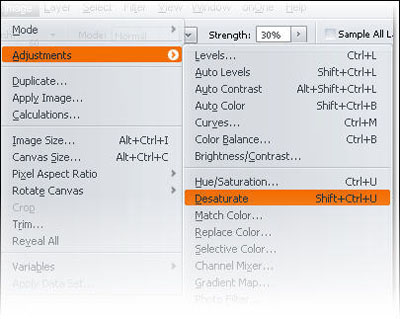
3. Select layer 1, go Image >> Adjustments >> Desaturate or Ctrl + Shift +U
Do the same step to layer 2,3
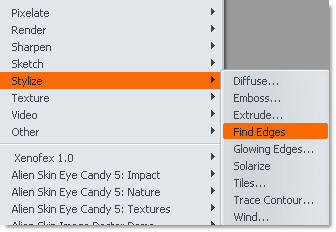
4. Select layer 1, go to Filter >> Stylize >> Find Edges and change Blending mode = Color Burn
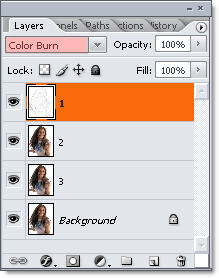
and ....
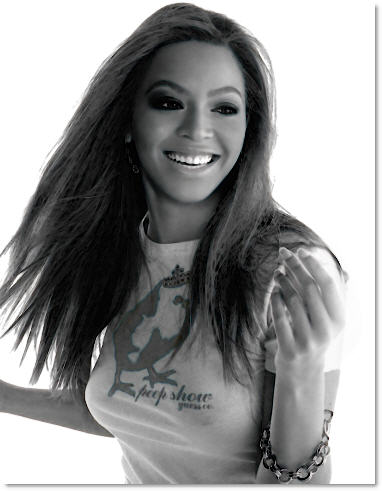
5. Select layer 2, Hit Ctrl + I to invert, then select blending mode = "Color Dodge"
Opps!!! Ur pic become blank....!
DOn't worry ^^! Now, we go to Filter >> Blur >> Gaussian Blur with 12 px blur
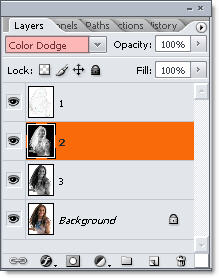
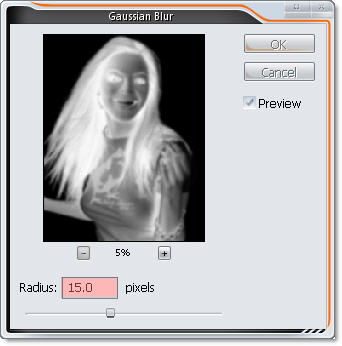
Phew !! Beyonce came back :P
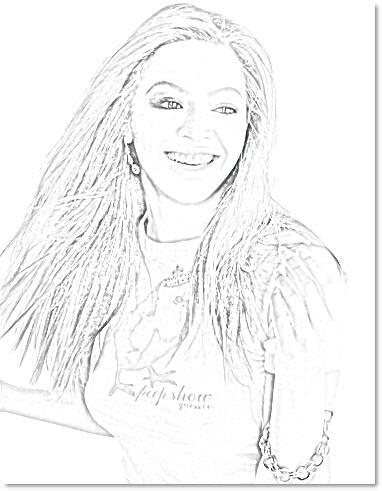
6. Merge 3 layer 1,2,3
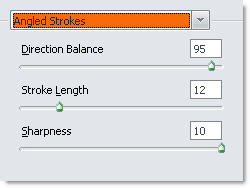
7. Filter >> Brush Stroke >> Angles Stroke and set that i was
Done !!! Beyonce in pencil artwork ;) she always beautiful !