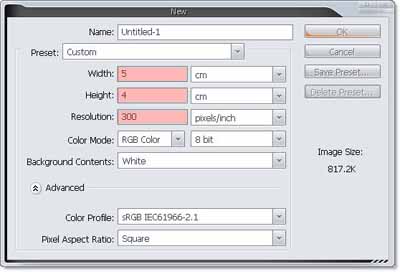
1. Create new document, size 5 x 4 cm, 300 dpi
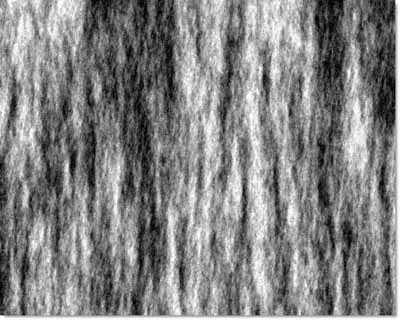
2. Filter >> Render >> Fiber
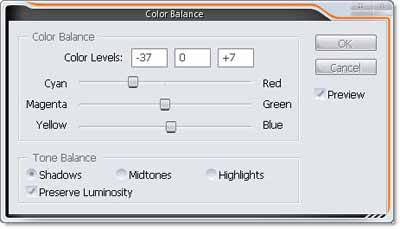
3. Make some color
Image >> New adjustment layer >> Color balance
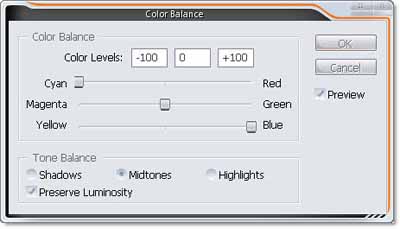
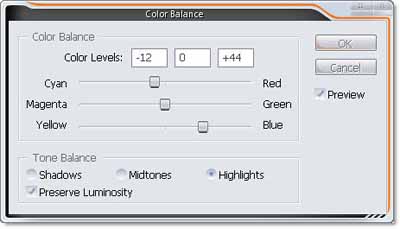
4. Image >> Adjustment >> Levels
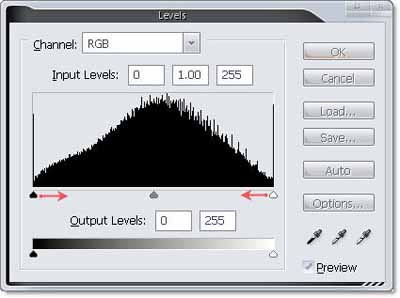
move white and black arrow to center
5. Result !!!
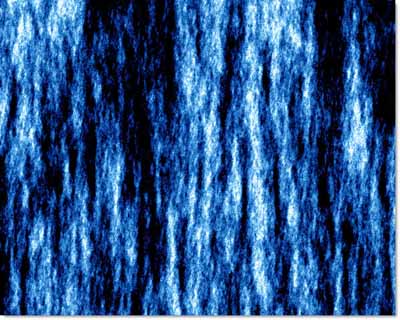
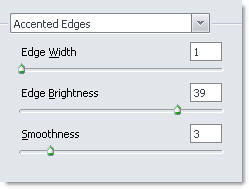
6. Filter >> Brush Stroke >> Accented Edges
Set parameter like this
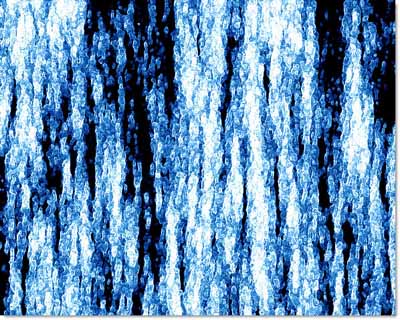
we have
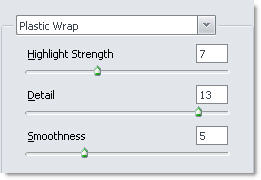
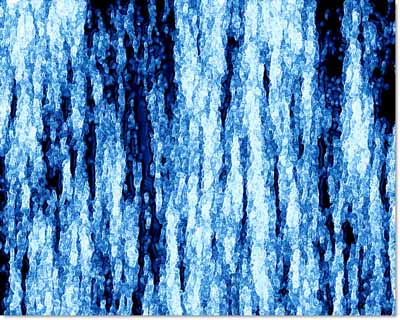
7. Next with Plastic Warp
Filter >> Artistic >> Plastic Warp
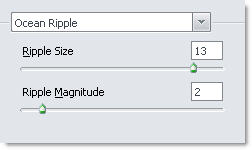
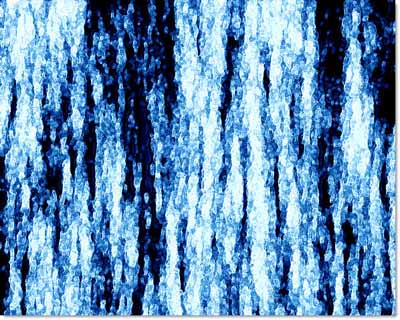
8. use Ocean Ripple
Filter >> Distort >> Ocean ripple
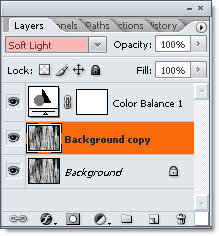
9. Duplicate layer background, Set blending mode = Soft Light
Layer Shot !!
10. You can duplicate new layer and blur it with 2 > 3 px to make it more realistic
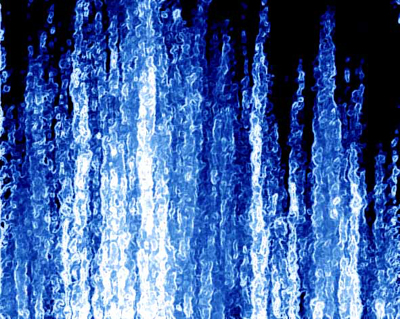
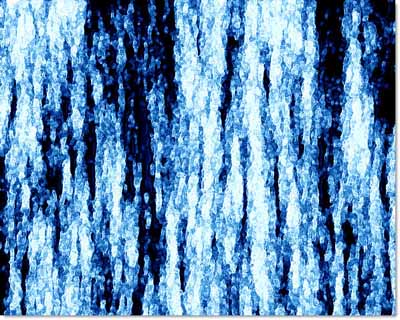
Final !!! Same water, huh
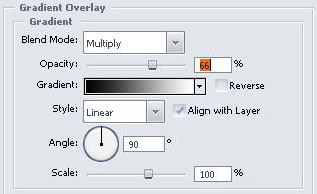
Add layer style
And finally we have ..... a water background