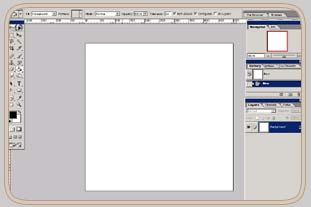
1. Open a new document in Photoshop.
2. Make a new layer and call this layer Waterwhirl.
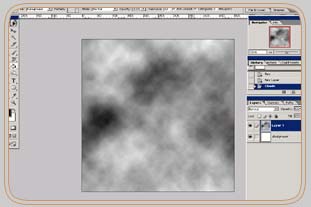
3. Apply a cloud effect to the layer Waterwhirl. Use the colors black and white.
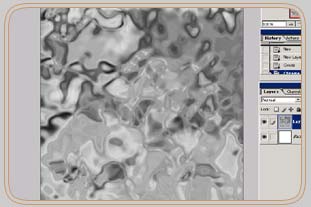
4. Go to Filter-Sketch- and apply the Chrome Effect.
5. Now go to Filter-Blur and apply a radial blur on your image. Blur method=Spin
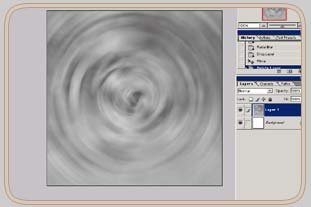
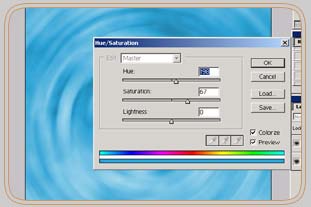
6. Last step is to give your image a water color look. For that reason go to Image-Adjustments-Hue and Saturation. Check the colorize Box and chose the color you want your image like.
7. Congratulations you're ready.