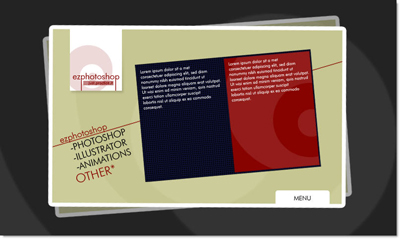
First, create new document, size 1000 x 600 px, fill #333333 color
using
 to create this path, save this path as a shape or brush
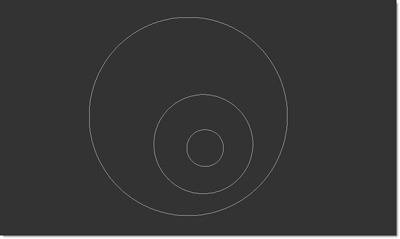

use
 to create this selection, then rotate it 5 > 10 degree
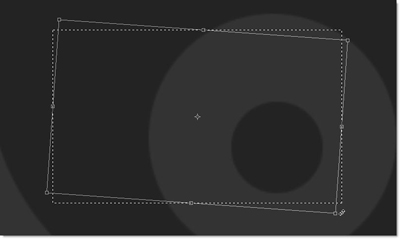
fill #cccc9a color, then using brush tool
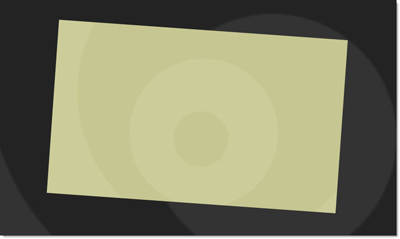
create a stroke, duplicate this, rotate, .. like this
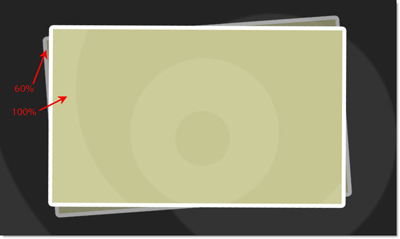
create a rectangle shape, bring your logo into this
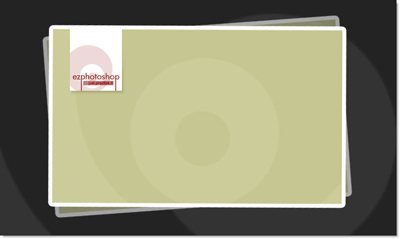
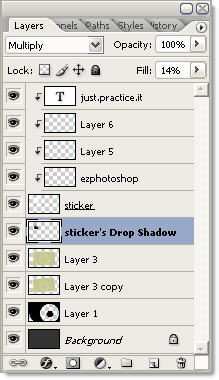
Current layer palette
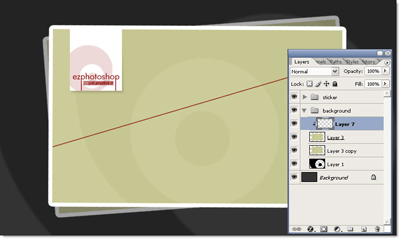
a red cross line ( #8c0000 color )
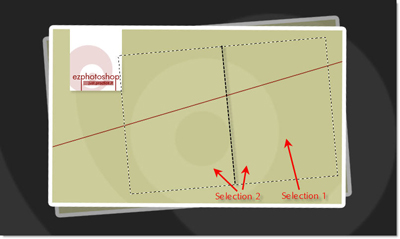
create and save two selections like this
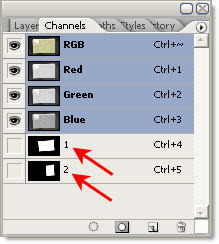
Saved selections at Channel palette
Load large selection
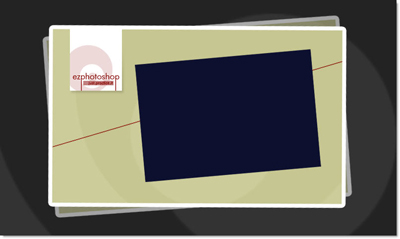
fill #0d102f color
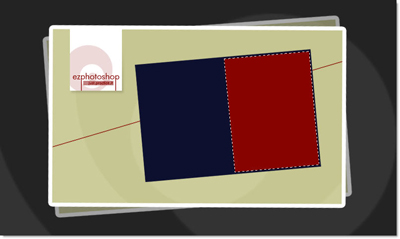
load small selection, transform smaller and fill #8c0000 color
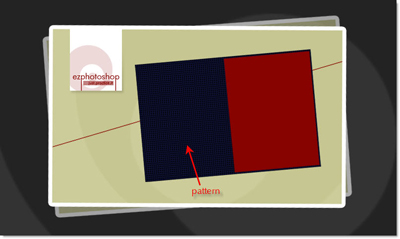
add some pattern
add Dummy text
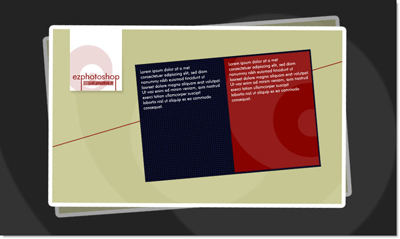
create some button and Menu bar
we finish this layout !!!