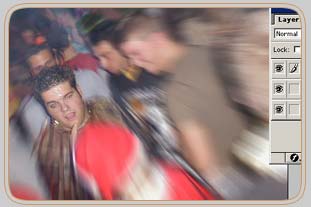
Open a nice picture of your choice.
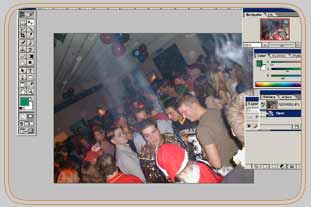
Duplicate your picture twice (name them Zoom and Front).
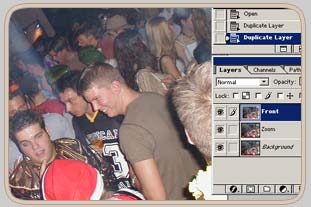
Go to layer Front
Image > Extract Make a selection around something of your choice (maybe this guy)
Brush size 10
Fill the selection
Press ok.
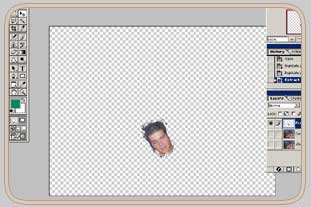
Go to layer zoom
Filter > Blur >Radial blur
Amount = 30
Blur Method = Zoom
Quality = Good