

Open photo.
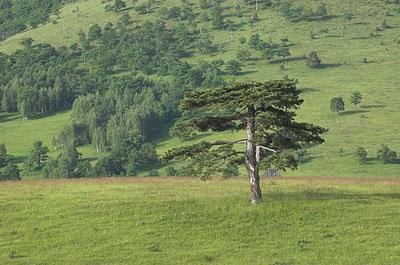
Now go and copy background layer (Ctrl + J). Name new layer "color".
Go to the layers palette and choose Blending mode to be Overlay.
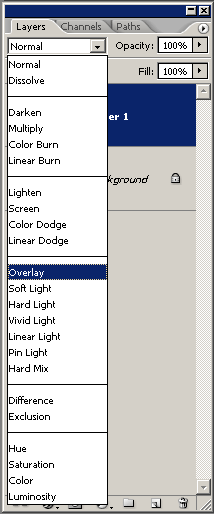
Now set the opacity od color layer to value of 80% (you can experiment with this value).
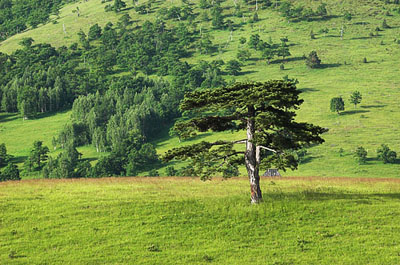
Enjoy.
