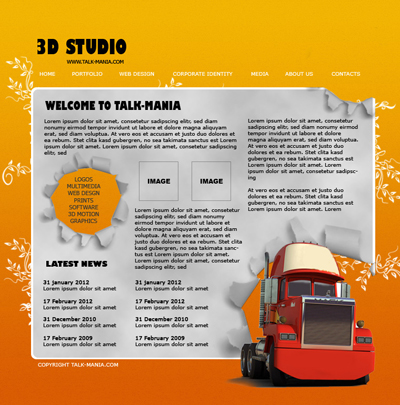
Let's start with a new document with the following settings
760x770 pixels , and with a white background
Duplicate the background layer ( to duplicate the layer please be sure you have the layer selected , then press Ctrl+J )
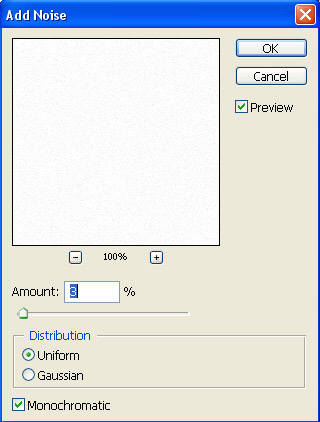
With this new layer selected , go to Filter > Noise > Add noise and use the following settings :
Then Press Ctrl+I to invert the colors. you will have a black background. do not worry. this is normal.
Create a new layer above this last layer ( to create a new layer press Ctrl+Shift+Alt+N )
Change the foreground color to : #f3b502 and the background color to : #da5d03
Then with gradient tool draw a line from the top of your canvas to the bottom.
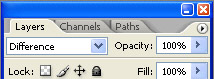
After you will release the mouse button , please change the blending mode for this layer to difference
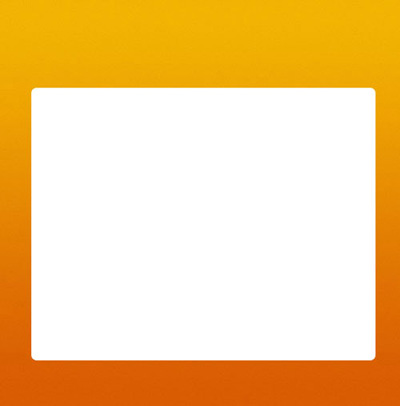
Select Rounded Rectangle tool , and crate a white shape
Then with the same tool create another shape, this time create this shape a little smaller, and with a light gray #ebebeb

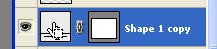
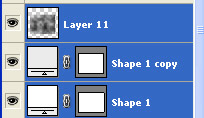
Now we will load the selection for the small gray shape. to load the selection hold down the Ctrl key down , and with left mouse button , click on the layer thumbnail like in the following image
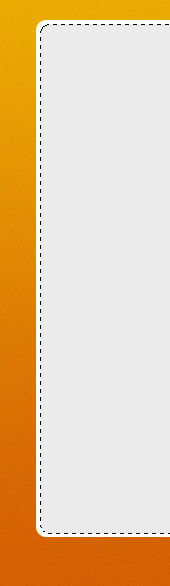
You can see a selection around the small gray shape
Create a new layer ( press Ctrl+Shift+Alt+N ) , then press on D. this action will reset the colors to black and white
Now go to Filter > render > clouds
You will see some nice clouds on your layout
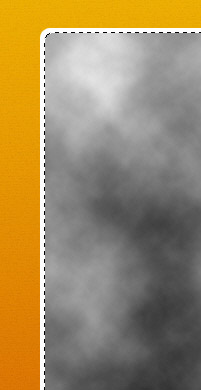
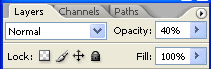
Press Ctrl+D to deselect , then lower the opacity of this layer with clouds to 40 %
This is my result
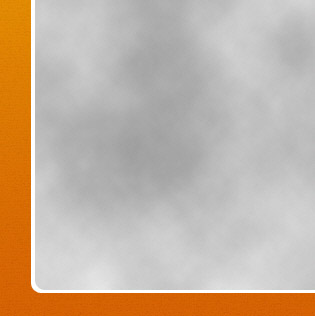
Now please select all the layers except background layer, and press on Ctrl+E ( this shortcut action will merge all the layers into a single one )
I have created for you a nice set of brushes. It is available on photo-shop-brush.com
Please download the brush set and load it in photoshop
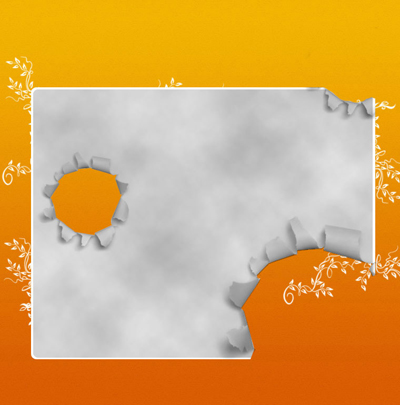
Then with the first brush from this set, create the following drawings
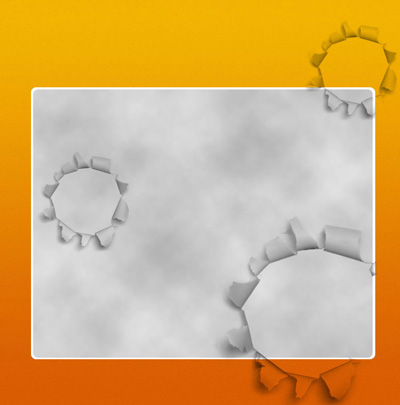
Now select Eraser tool and with a small brush delete some parts of the layer until you have the same result like mine
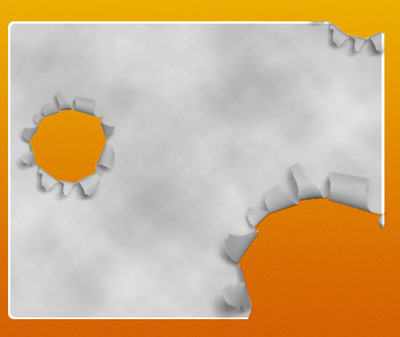
Now i will add another new layer ( press Ctrl+Shift+Alt+N ) and i will use a single brush from Talk-Mania Big-Pack
For example i am creating this layout in less then 20 minutes with the help of this pack. ( and i need over one hour to write it here for you - LOL )
After i have played a few seconds this is my result
Now i will place a 3D rendering with a nice 3D truck
In the same time i will also some text on my layout with type tool
This is my final result. i hope you like it