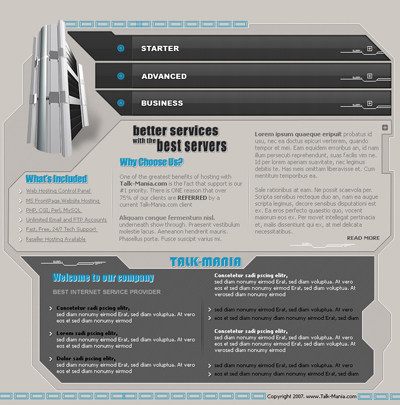
First let's start with a new document, with the following sizes:
760x770 pixels, and with the following color : #cdc8c2
Grab Pen Tool , and create the following shape ( hold down Shift key , and try to create the same shape like mine
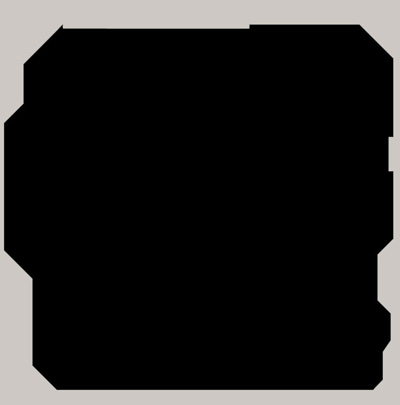
For this shape add the following layer style
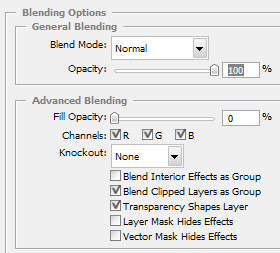
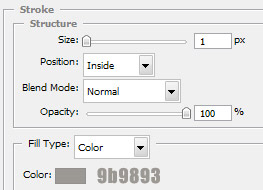
Duplicate this layer ( select the layer , then press Ctrl+J ), and for the second layer add the following layer styles
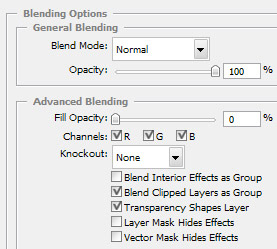
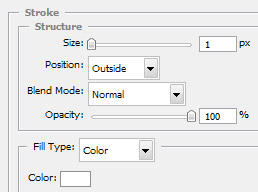
Here is a screen shot to see how looks my layout so far
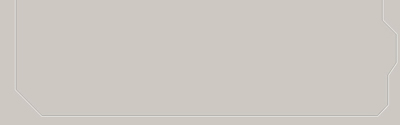
Now Create another document: ( we will create a pattern )
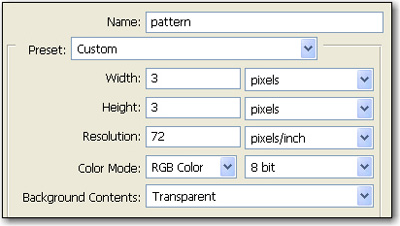
Zoom this document to 1600% and with the Pencil Tool Draw 3 points:

After that go to Edit > Define Pattern...
Choose a name for your pattern and press OK
Now duplicate this layer one more time , and add the following layer style
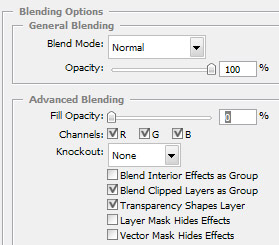
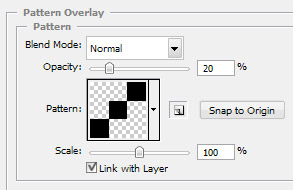
This is my result:
.jpg)
Now it is time to play one more time with Pen Tool, I am going to create a few shape. you can see them in the next screen shot
.jpg)
For the top 3 gray shapes please add the following layer styles
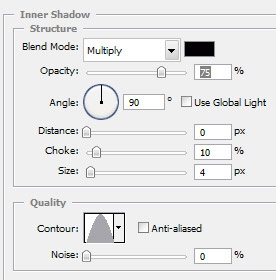
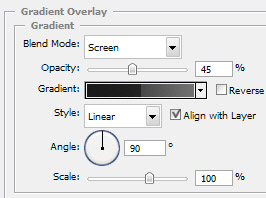
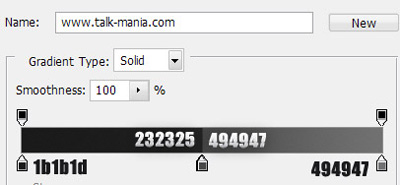
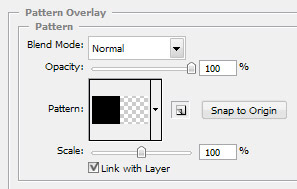
This is my result after i have applied the same layer styles for all 3 shapes
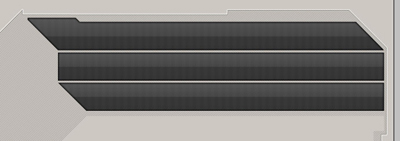
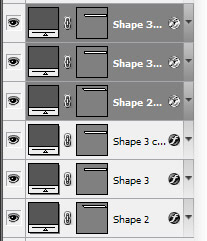
Select all this 3 shapes
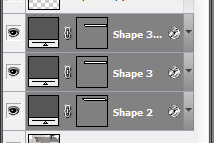
Then drag them to the " create new layer " button from the bottom of the layer palette. In this way you will duplicate this 3 layers in the same time
With the duplicated layer still selected press on Ctrl+E ( this will merge all this 3 layers into a single one )
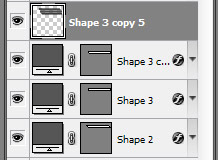
For this merged layer please add the following layer style
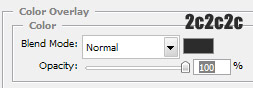
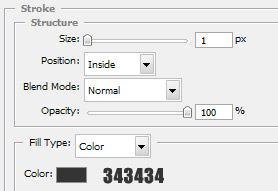
After that select rectangular marquee tool, and create a selection like mine
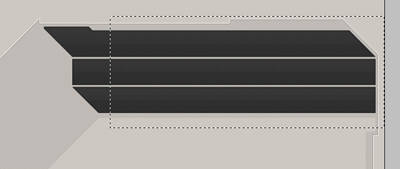
Then press Delete on your keyboard, and Ctrl+D to deselect. This is my result
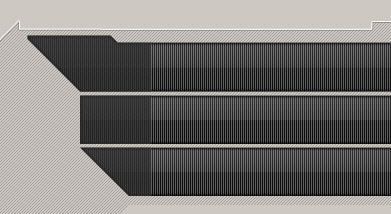
Now please add the following layer styles for the body of our layout
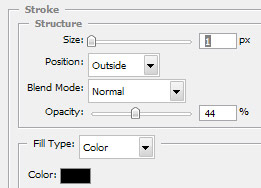
this is my result
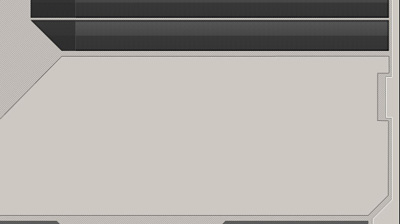
Add the following layer styles for the gray shape from the footer of your layout
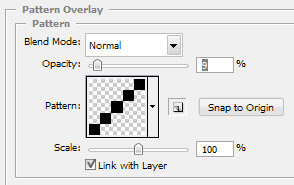
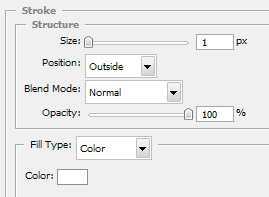
This is my result
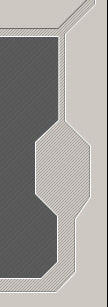
Now please add alone some text with type tool
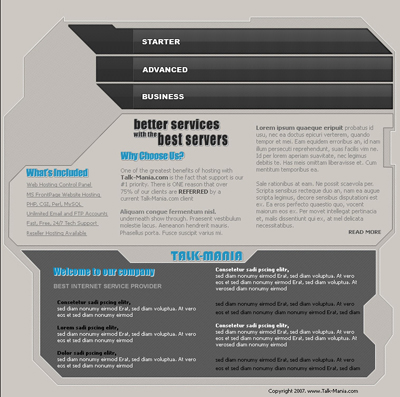
I will add a image with a 3D server. if you don't have nice 3D servers, you can download some nice 3D logos from www.logo-3d.com and place it instead of my server
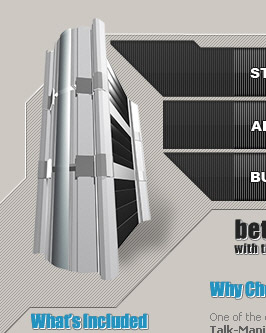
Please go to this photo-shop-brush.com and download the following set of brushes. Load the brushes in photoshop, and on a new layer please add some details on your layout
After that you can download also the following set of brushes, and add another details
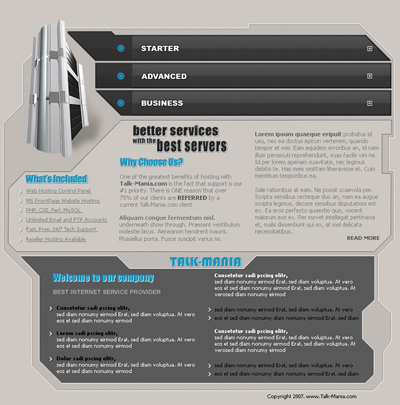
This is final result. i hope you like this layout. if you like it please register and download this layout to see how it's made