

Step 1: Create a new document (Ctrl+N)
Size at 800x600px or 1024x768px that suitable for your monitor.
Pick Gradient Tool

Choose this gradient from the Gradient Editor
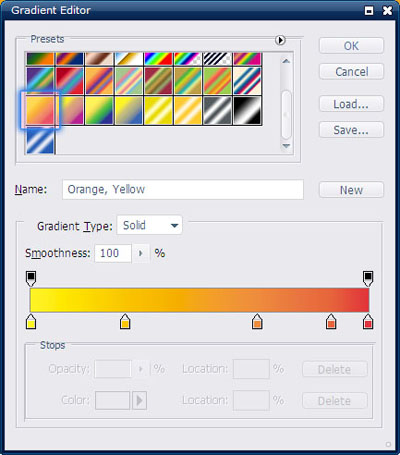
If you can't see this gradient, please go to "Load..." ~> Point to gradient preset folder inside Photoshop folder ~> Load "Special effect"
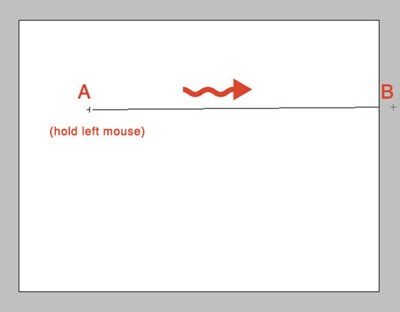
Hold your left mouse and drag from A to B :
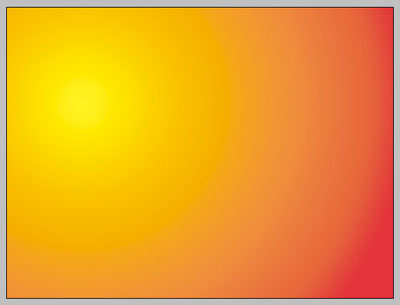
And you'll have this result :
Step 2: Download and load this brush into your photoshop : Land_brush
Choose any "island" inside this brush set that you like :
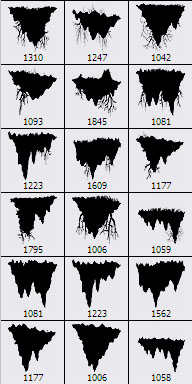
I choose this one :

Create a new layer on the top, brush in the middle :
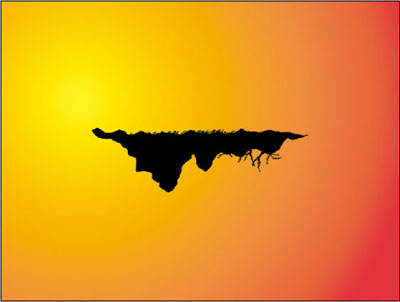
Create a new layer and put it under "island layer"
Pick Elliptical Marquee Tool

Make an elliptical selection :
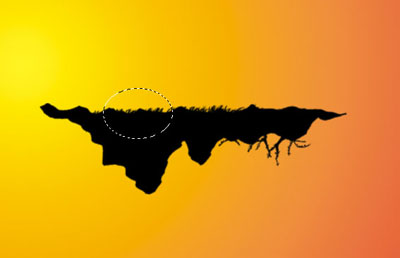
Fill this selection with color #12a80d
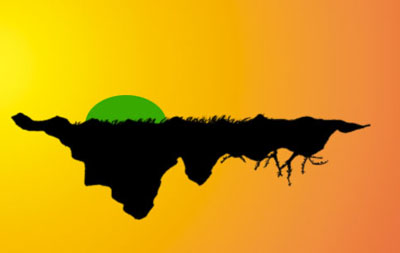
Continue making create new layer and fill selection like this :
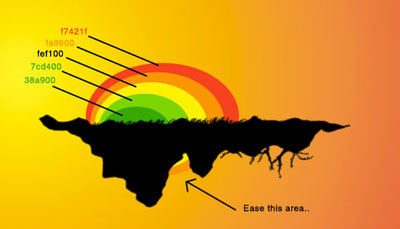
Result :

Step 3: Download and load this brush into your Photoshop : Tree_brush
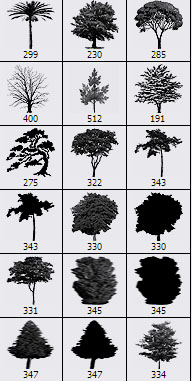
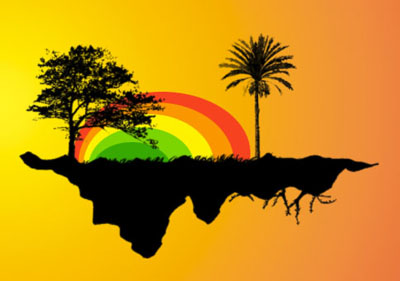
Pick any brush inside this brush set that you like, create new layer on the top and start brushing....
Download and load this brush into your Photoshop : AK_VectorPeople
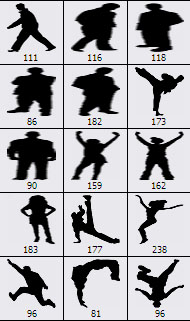
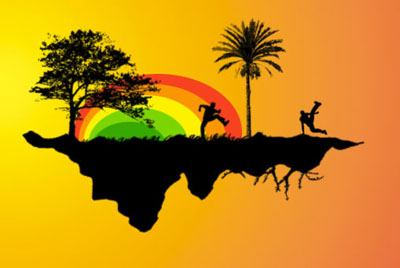
Pick any people you like and put them on the grass :
Download and load this brush into your Photoshop : Cloud Brush
Create a new layer under "island layer" and brush a little...
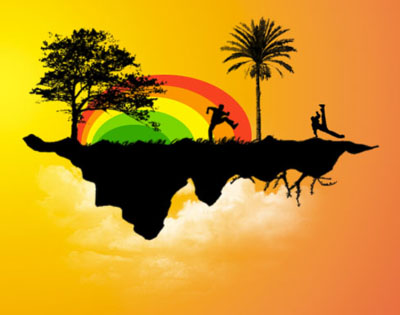
You've already finished this tut with sample details.
This is my final result with some other details :

You've already finished this tutorial. Good luck!
Download .psd file here.
