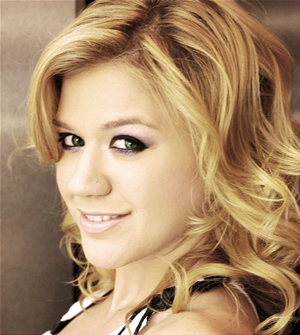
First ,we need a photo to work with the eyes. This one is nice photo
But the eyes are a bit too dark .
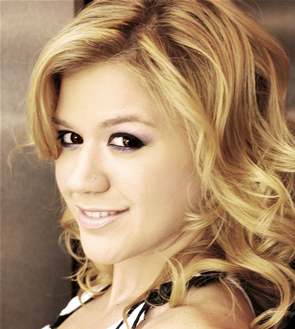
Let's lighten them by photoshop. Using the Dodge tool, I put it on a nice, soft Brush

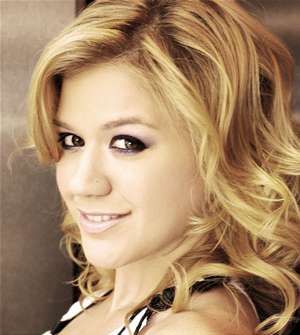
The airbrush brush work well . You should use the opacity lower than 50%.
Now, I resize it to be the same size as her eye.
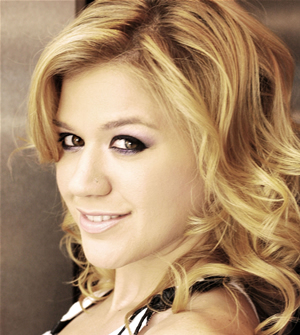
Now i'm ready for color, chose the colour you want , and put it on the brush tool in presets. Use that with opacity lower than 50%
and the size of brush is smaller than the eye.
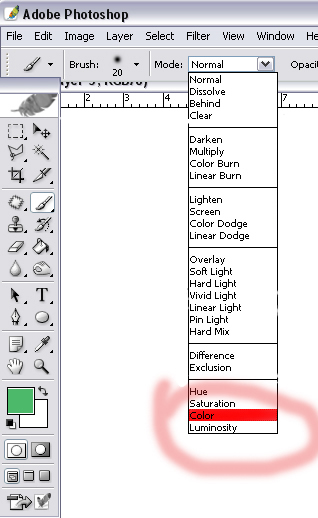
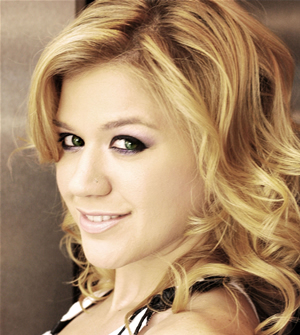
Now, real eye usually have another colour. I like green