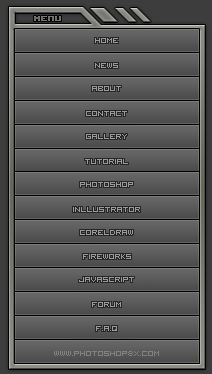
Create a new document and fill the background with #3D3D3D color
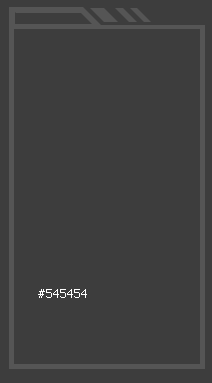
Create a new layer and use Marquee Tool to draw a shape like this:
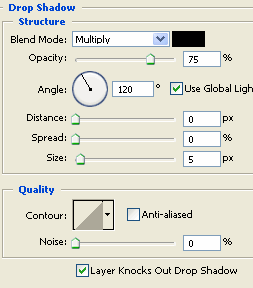
Go to Blending Options:
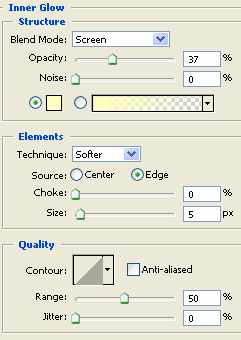
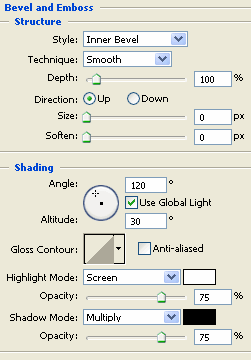
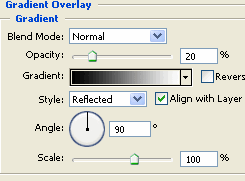
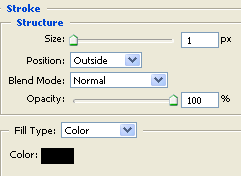
You will get the result:
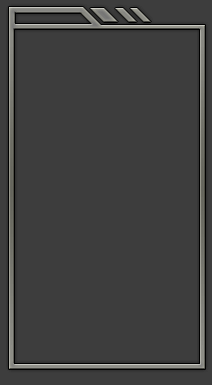
Create a new layer and use Rectangular Marquee Tool to draw a rectangle like this:
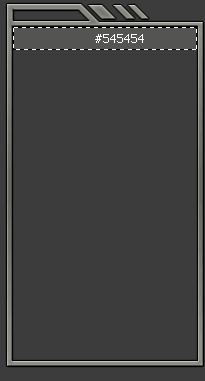
Go to Blending Options:
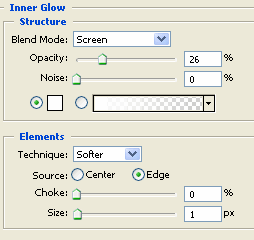
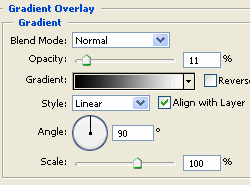
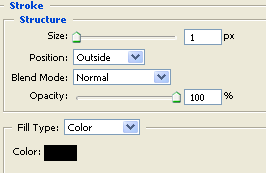
Press Ctrl + J to duplicate layer
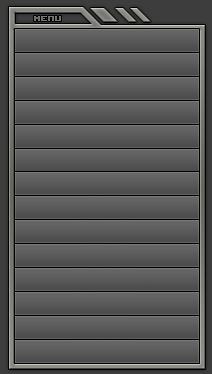
Add text to each button