


Step 1
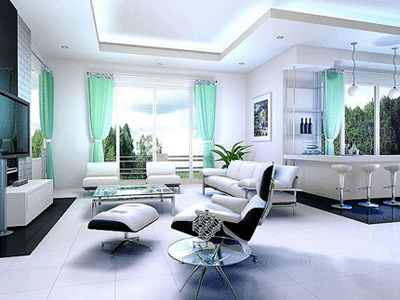
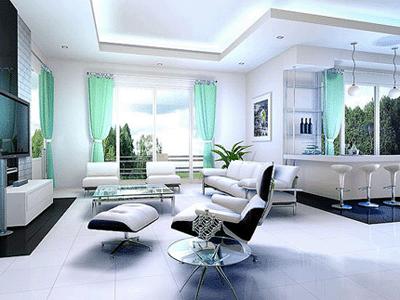
Open your room picture, or any room picture which have tv, and picture on the wall. (you can also download my picture if you like).
Step 2
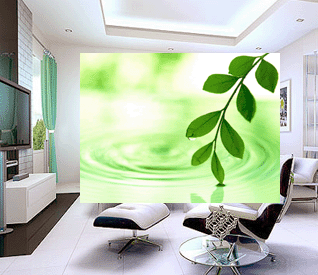
After that, open a picture that you want to set on your tv.

Step 3
Take the Move Tool (V), and using drag and drop technique move it on the room picture.
Step 4
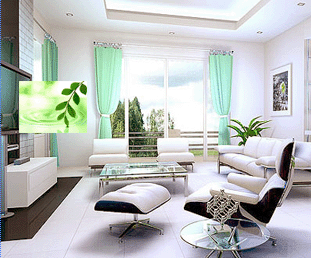
Take the Free Transform Tool (Ctrl+T), and decrease your picture approximately as your size of tv.
Step 5
Then, While your Free Transform Tool is still active, press Ctrl key, and do like it is shown on the picture below.
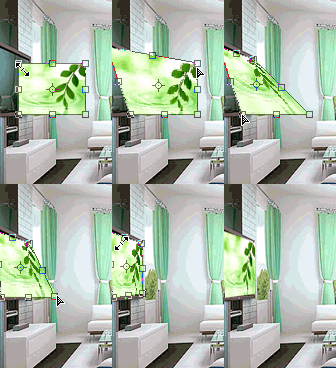
After that press Enter on the keyboard.
Step 6
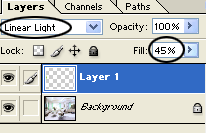
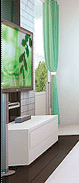
Then, in Palette Layers for Layer1 choose Linear Light and set Fill to 45%. Look at the picture below.
Step 7
After that, in an equivalent way like we have placed the picture in plasma, put some picture on the wall. Look at the picture below.

Room before:
Room after:
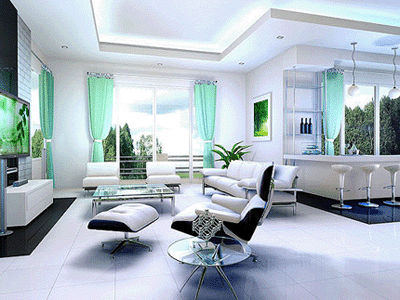
We're done!
Have a nice day!
