

Step 1
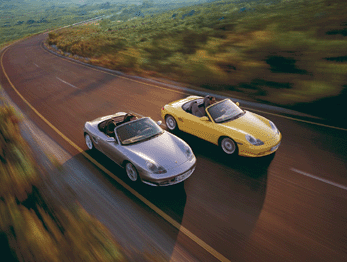
Open RGB picture.
Step 2
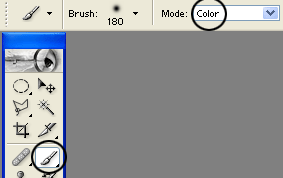
Select the Brush Tool (B), and under Mode choose Color. Look at the picture below!
Step 3
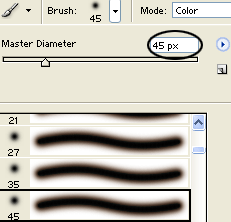
After that in Brush palette choose Soft Round 45px.
Step 4
Start coloring! How you doing that, the color will disappear. Look at the picture below!

We're done!
Have a nice day!
