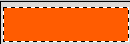
Step 1. Make a new document sized 200x50 and fill it with any color. I choose a simple gray. Now make a new layer grab the rectangular marquee tool make a selection like below and fill it with any light color. I chosed Orange:
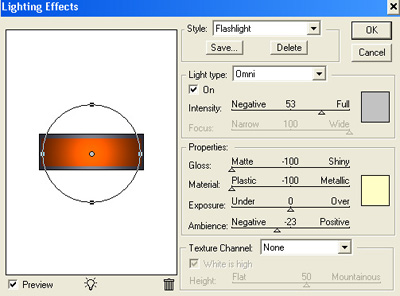
Step 2. Go to Filter>Render>Lightning Effect and use this settings:
This is what I got:

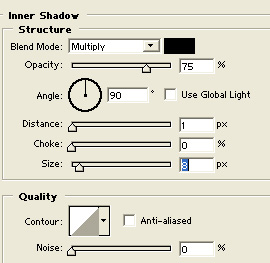
Step 3. Now add a simple inner shadow:
You should have something like this:

Step 4. Get a round simple 1 px brush and draw some lines like me(hold shift to make them straight.)
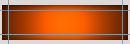
Set blending mode to color dodge and lower the opacity to 70%.
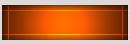
Step 5. Make a new layer and a selection like below filled white. Now lower the opacity to 12%

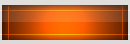
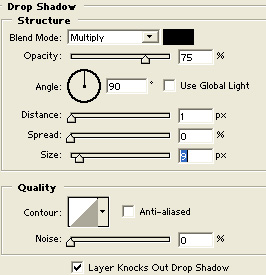
Add a simple Drop Shadow:
Add your text and you are done. This is my result:

And more editing:

 This post was written by owner of