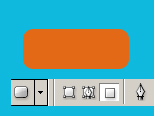
Step 1. Make a new document 150x150 and fill it with any color. Make a new layer and usign the round rectangular tool with the settings below make a shape
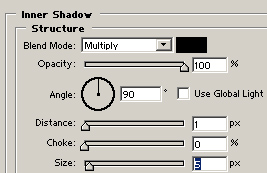
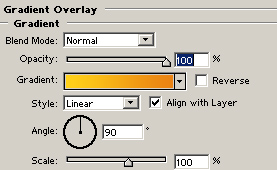
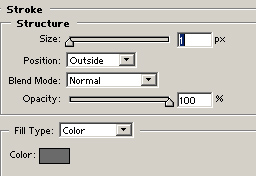
Step 2. Add the folowing settings :
Inner shadow:
Gradient Overlay :
Stroke:
Step 3. Next we need to make a selection like below. So press Ctrl+click on the button layer and using the poligonal lasso tool deselect the bigger part so it will look like my selection. Make a new layer and fill it white and lower the opacity to 40.
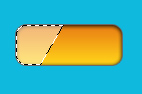
Step 4. For a better effect I duplicated the layer and moved it a bit on the left. Then I made a new selection and filled it white. See below:

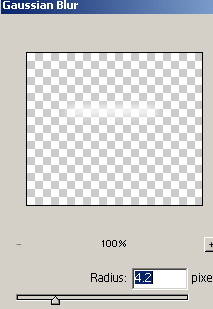
Go to Filter>blur>Gaussian Blur and add a 4.2 radius.
This is my final result: