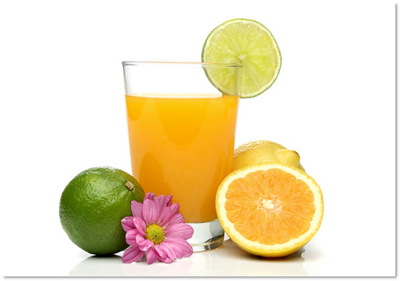
This my RAW picture ...
It look ... bad
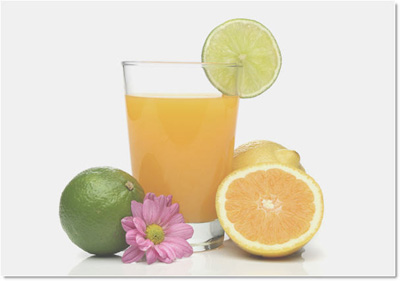
Now, read this tut and retouch this ..
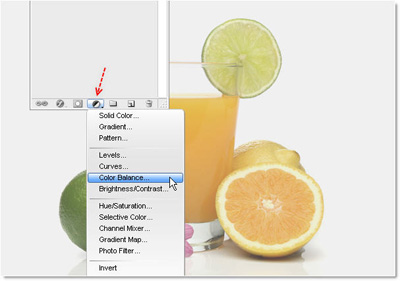
You known ? you can create an adjustment layer more quickly by clicking on this icon ( on Layer palette )
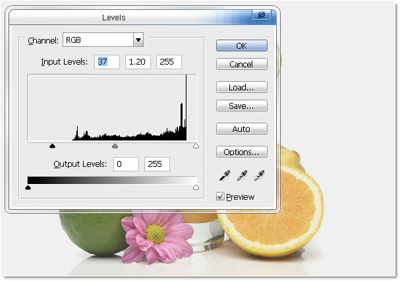
First step, using Level ..
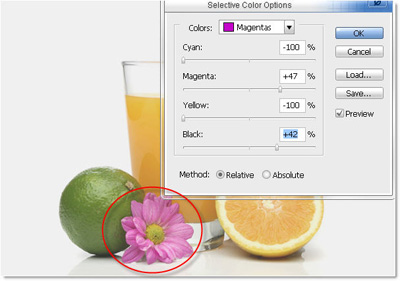
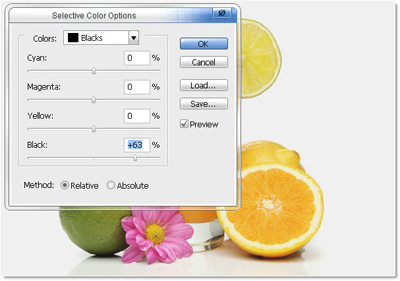
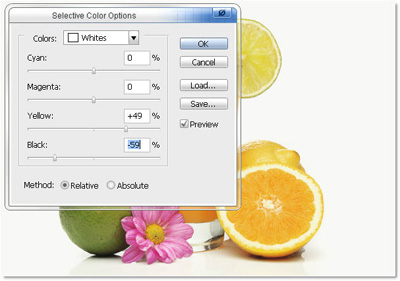
Then Selective Color
Magentas channel :
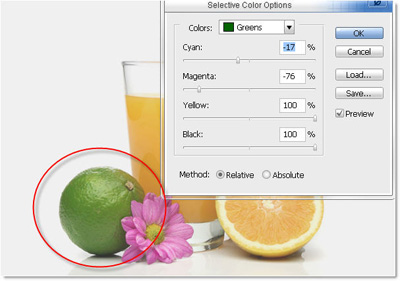
Greens channel:
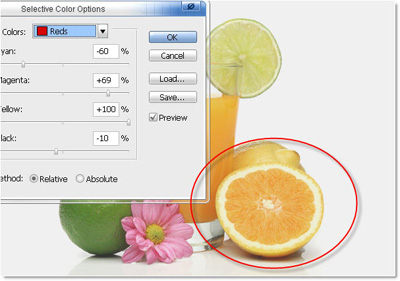
Reds channel:
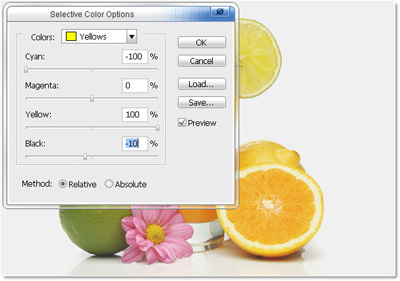
Yellows channel:
Black channel:
White channel:
Now, make this more sharpen ..
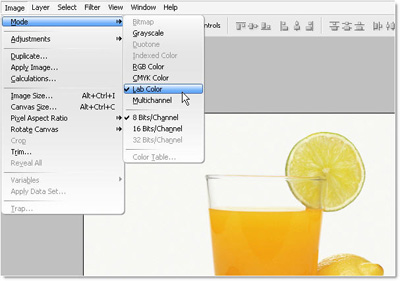
-Change this image to Lab Color mode
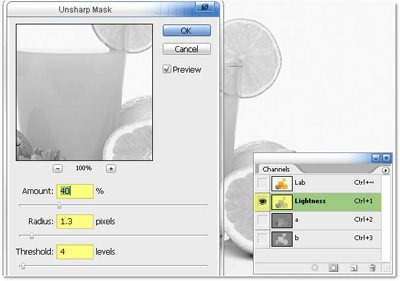
Stand on Lightness channel ( on Channel palette )
Unsharp Mask it ( Filter >> Sharpen >> Unsharp Mask
Next ...
Merge all layer
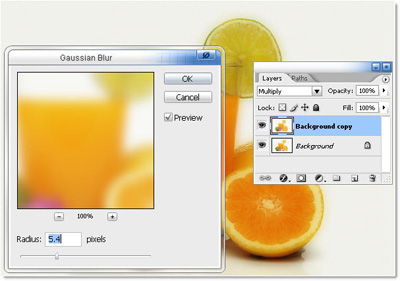
Duplicate layer background
Blurry this layer ( Filter >> Blur >> Gaussian Blur >> 5.4px )
Set mode = "Multiply"
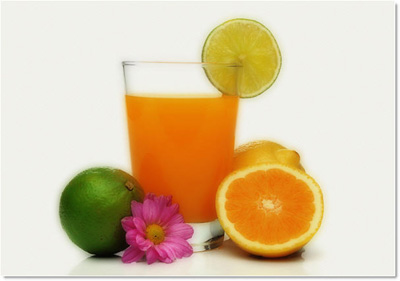
Multiply layer at 100% opacity :
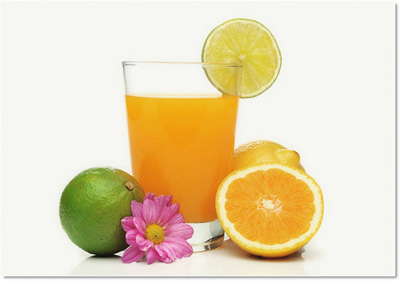
Discount opacity to 20, 30%
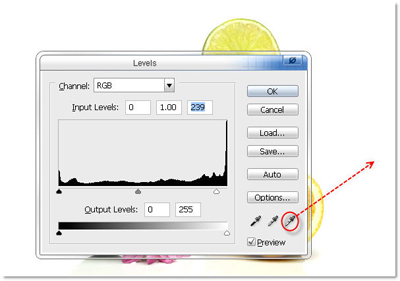
Levels again ...
Pick white point to the background ...
My last result !!!