Step 1
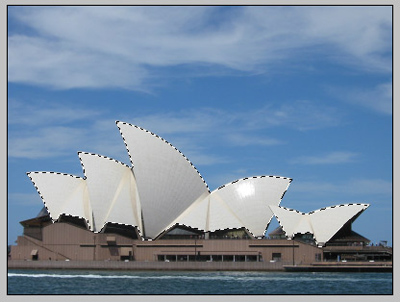
Select with the magnetic lasso tool all around the glazed roof.
Step 2
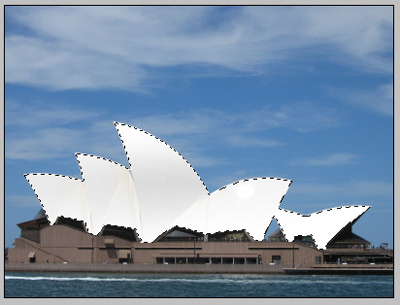
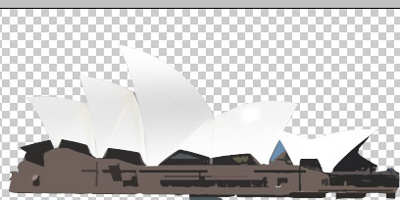
Create a new layer, select the gradient tool (white to transparent) and trace several lines from the bottom to the top and from from the top to the bottom to make this kind of effect, it's not easy to recreate exactly what you see below, but you will make something similar.
Step 3
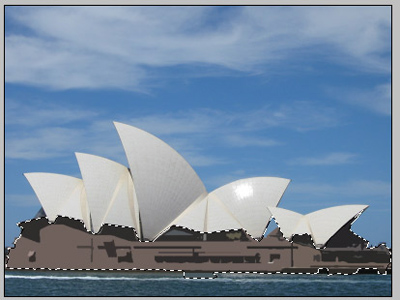
Select the bottom of the building and apply the Cutout filter (number of level 8, edge simplicity 3, edge fidelity 3)
Step 4
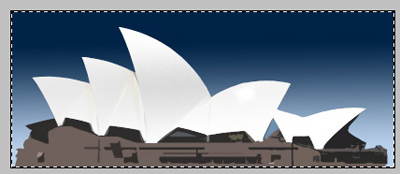
Select all the layers and paste all of them into a new document
Step 5
Set the foreground color as "002346" and the background color as "bddffe". Select the background layer and with the gradient tool, trace a line from the bottom to the top of the document.