

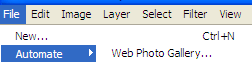
1. Go in File, select Automate, and then "Web Photo Gallery".
2. In Styles Select the Flash Gallery you want
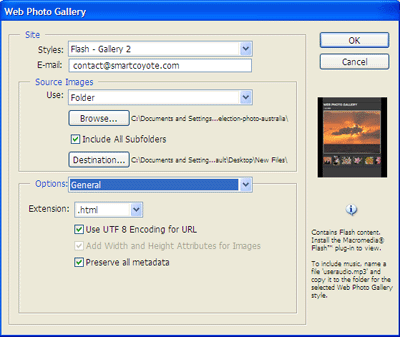
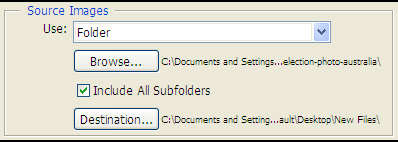
3. Select a folder which all images and photos are ready to be used by the automate tool.
The best is to get the same size for each photos.
4. Create a new destination folder in your desktop or where you want.
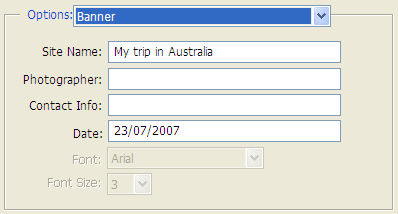
5. Use those following options to customize your Flash Gallery
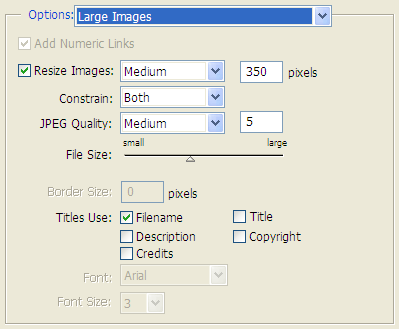
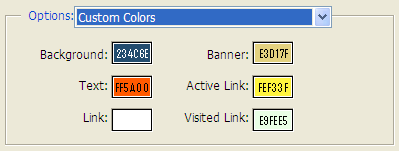
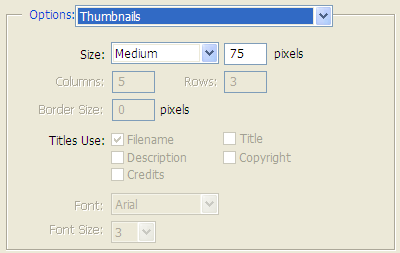
And this is the result:
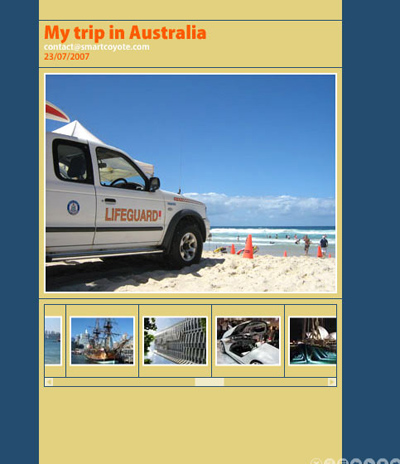
You can also click here to see the result in live.
