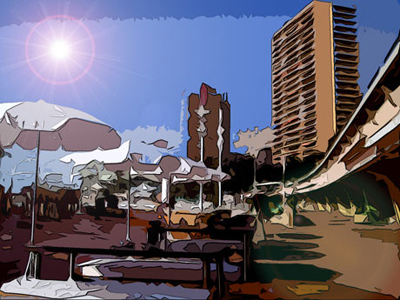
First of all, your photo should have a big resolution, a minimum of 1600 X 1200 is required for a better effect.
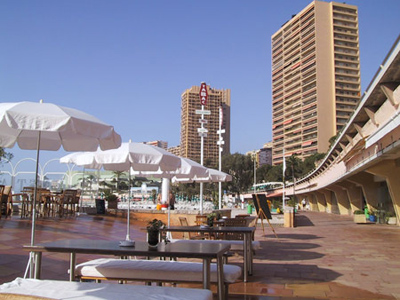
1. Filter - Artistic - Cutout (number of level 7, edge simplicity 5, edge fidelity 1)
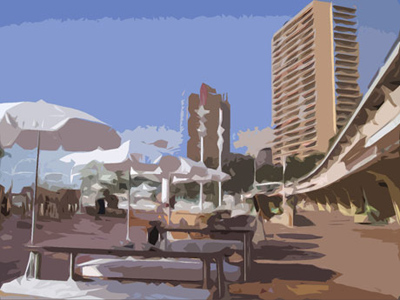
3. Filter - Artistic - Poster edges (Edge thickness 1 - Edge Intensity 2 - Posterization 3)
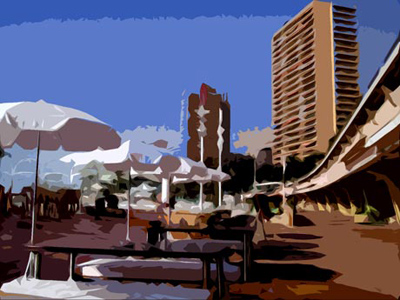
4. Filter - Render - (lens fare 125 % 35mm)
That's it