


If you're totally new to Adobe Illustrator, it may be difficult to understand how to color an object. But trust me, it is really simple if you know how to use the Live Paint tool. And that's what you're going to learn now!
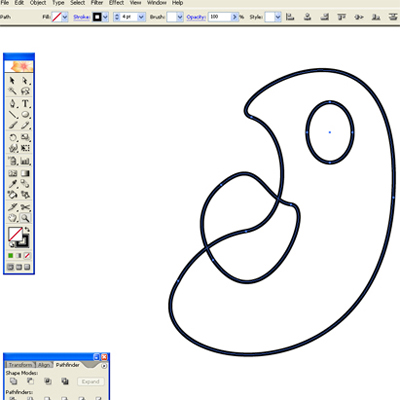
Use the selection tool to select your drawing.

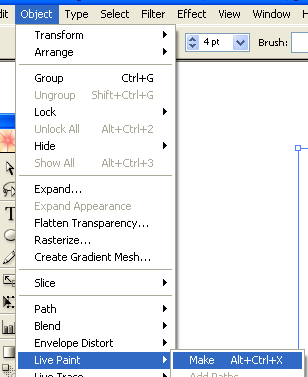
Go to Object - Live Paint and select Make.
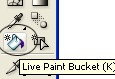
Now you can start coloring the illustration. To do so, select the Live Paint Bucket (K).
The painting process is pretty basic. Just select the color you want in the color tab and select the areas of the illustration you want to paint.

And that's the basics of the Live Paint tool!
