


Scanned images
Every now and again you might want to scan photographs or postcards using your scanner. You could scan them one by one and crop them out in Photoshop but Photoshop will actually do it for you. Let have a look at the results of a typical scan.
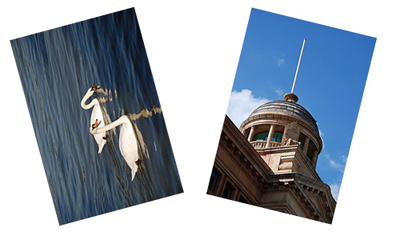
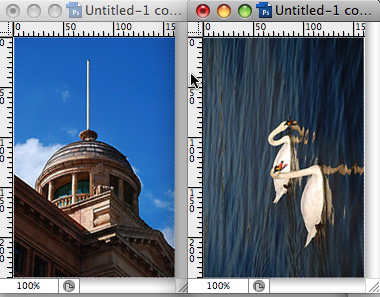
The images are off center and cropping is going to be tricky. Instead I can use one of Photoshop's Automate Functions. Go up to File > Automate > Crop and Straighten Photos. Automatically it will crop the images and straighten them for you.
Useful for sketches
This technique is also useful for sketches. Often I like to use pen and paper to come up with ideas. Sometimes I want to get that sketch into Photoshop or Illustrator.
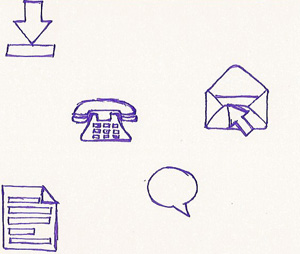
Using the Automate function I can ask Photoshop to split things out for me. Then I can use the sketch as a guide in either Photoshop or Illustrator.
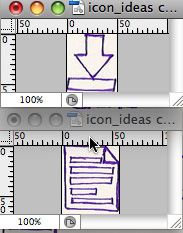
It is not always 100% perfect but I usually find it is worth a try before using a more time consuming technique.
