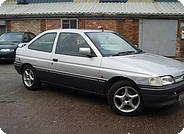
Learn to make your images have rounded edges
Step 1
Open up any image you would like to use (Make sure it is not the background.)
Step 2
Using the rectangular marquee make a selection leaving a few pixels round the edges like the image below
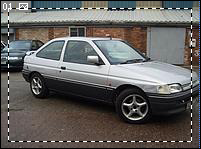
Step 3
Then go to Select > Inverse
Step 4
Now go to Select > Modify > Smooth. Choose about 5 pixels and click ok.
Step 5
Now before deselecting press " Delete " and then your all done, heres my final image.