Step 1
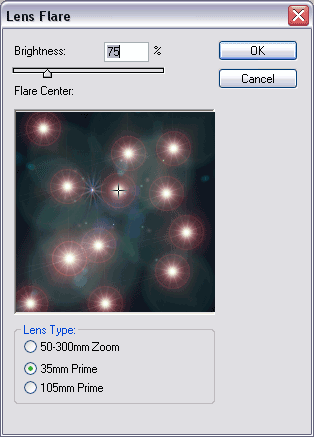
Create a new image, and fill the background with black. Go into the Lens Flare Filter, and create several flares with the above settings.
Step 2
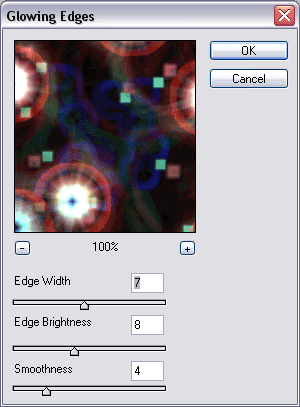
Go into the glowing edges filter, and use the above settings.
Step 3
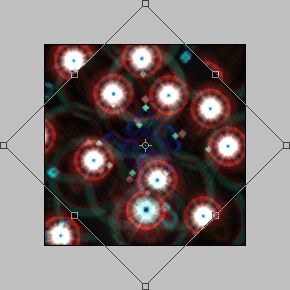
Duplicate the layer (Ctrl+J). Transform (Ctrl+T). Holding shift down, turn your new layer counter-clockwise like above. Set mode to color dodge.
Step 4
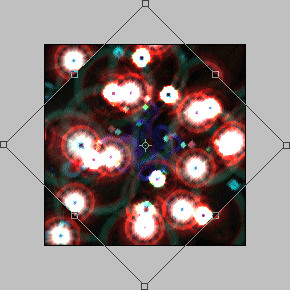
Duplicate your original layer again (Ctrl+J). Transform (Ctrl+T). Holding shift down, turn your layer clockwise like above.
Final Product
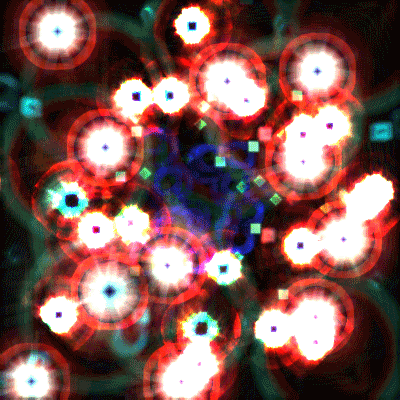
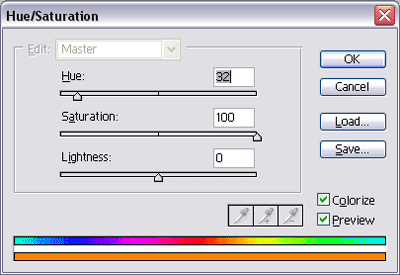
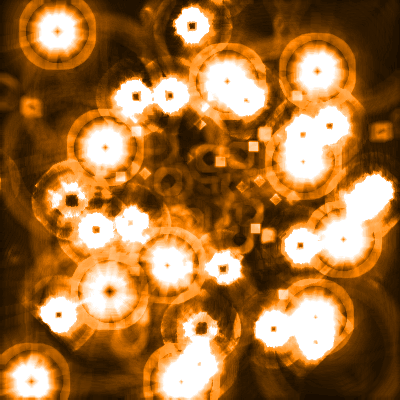
Colorized